OliTheTrueOne
New member
- Local time
- 9:26 PM
- Messages
- 10
Hello everybody,
Since 2 days i'm running into troubles with the installation of Windows 7 on an Asus notebook X751MA with pre-installed Windows 8.1.
The first manipulations i've done in BIOS are:
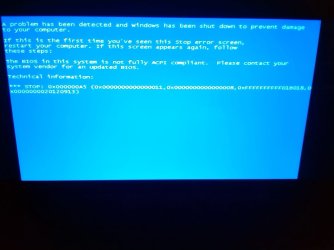
The BIOS in this system is not fully ACPI compliant.
Please contact your system vendor for an update BIOS. STOP 0x000000A5
(0x0000000000000011, 0x0000000000000008, 0xFFFFFFFFFFD1B018,
0x0000000020120913)
What I've tried since:
During my researches in Asus support site, I've noticed only Windows 8.1 64 bits is available when you are asked to insert your OS to access the drivers list.
How is it possible to have a laptop with sufficient hardware to run Windows 7 and not being able to install it ? Well, if I knew it I certainly wouldn't have bought the X751MA.
The X551MA had exactly the same problem and its hardware is very similar. The problem was solved thanks to a BIOS update from ASUS.
http://www.sevenforums.com/installation-setup/338018-cant-install-windows-7-new-asus-laptop-2.html
Do you think it's the same scenario here ?
I would appreciate any help or advice,
Thanks in advance for your time,
Regards,
Oli.
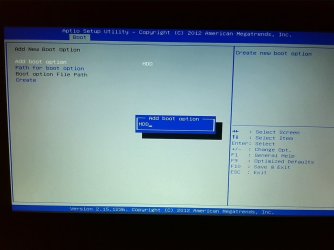
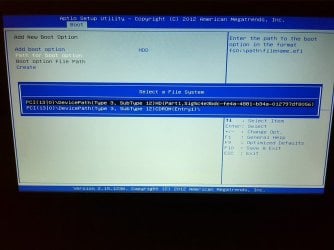
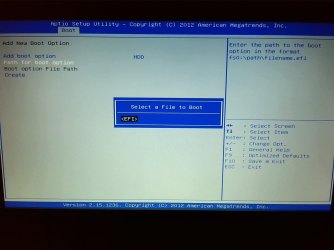
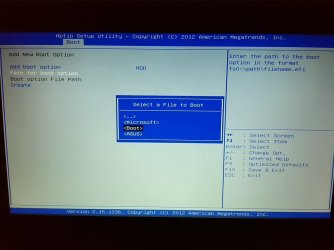
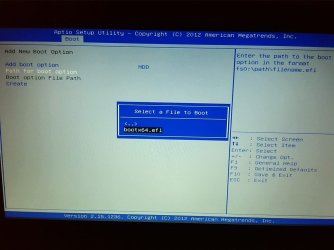
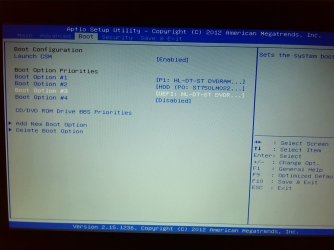
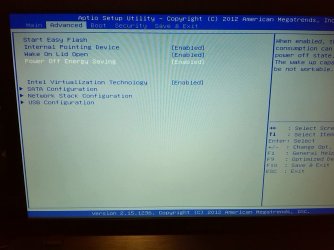
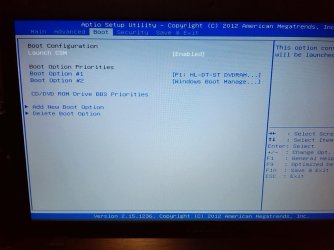
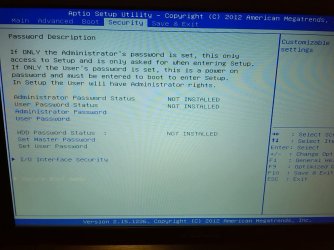
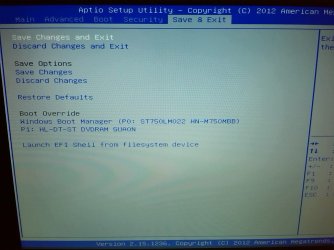
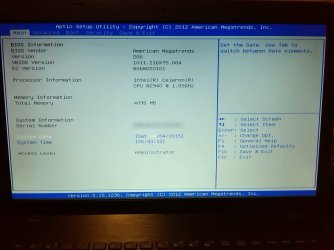
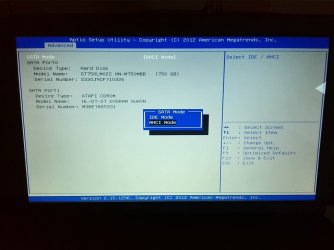
PS: You will find in the attached pictures all the BIOS Tabs and the complete BS Error message.
Since 2 days i'm running into troubles with the installation of Windows 7 on an Asus notebook X751MA with pre-installed Windows 8.1.
The first manipulations i've done in BIOS are:
- Security tab -> Secure boot on Disable
- Boot tab -> Launch CSM on Enable.
- Set first boot option on DVD-ROM.
The BIOS in this system is not fully ACPI compliant.
Please contact your system vendor for an update BIOS. STOP 0x000000A5
(0x0000000000000011, 0x0000000000000008, 0xFFFFFFFFFFD1B018,
0x0000000020120913)
What I've tried since:
- Set Power off Energy Saving on Disabled (since ACPI error is Power related...)
- Set Wake on lid Open on Disabled
- Set SATA configuration on IDE (but then I can't boot on the DVD)
- The same error occurs when I try to install Windows XP
- The Windows 7 DVD is not corrupted (succefully tested on another computer)
- I'm running the latest version of BIOS (206).
During my researches in Asus support site, I've noticed only Windows 8.1 64 bits is available when you are asked to insert your OS to access the drivers list.
How is it possible to have a laptop with sufficient hardware to run Windows 7 and not being able to install it ? Well, if I knew it I certainly wouldn't have bought the X751MA.
The X551MA had exactly the same problem and its hardware is very similar. The problem was solved thanks to a BIOS update from ASUS.
http://www.sevenforums.com/installation-setup/338018-cant-install-windows-7-new-asus-laptop-2.html
Do you think it's the same scenario here ?
I would appreciate any help or advice,
Thanks in advance for your time,
Regards,
Oli.
PS: You will find in the attached pictures all the BIOS Tabs and the complete BS Error message.
Attachments
Last edited:
My Computer
At a glance
Windows 7 Home Premium 32 bits
- Computer type
- PC/Desktop
- OS
- Windows 7 Home Premium 32 bits




 .
.