

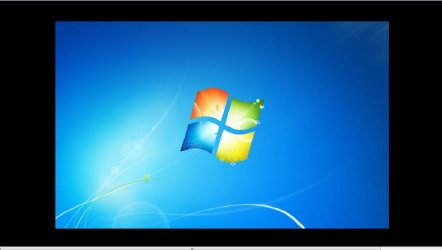
My second monitor is a Samsung U28D590D set to extend my first monitor. The max resolution my GPU (GT 750m) can run is 2560x1440. When I set the resolution to 2560x1440, my desktop has thick black borders around the wallpaper. (See attached screenshot.) If I set the resolution to 1080p, the desktop is fine. Any resolutions in between also have borders. I can still right click on the black border section of the desktop, so the resolution is being applied, it's just the wallpaper that isn't scaling. Any ideas how to fix this?
Attachments
My Computer
At a glance
Windows 7 Home Premium 64 Bit
- Computer type
- PC/Desktop
- OS
- Windows 7 Home Premium 64 Bit


