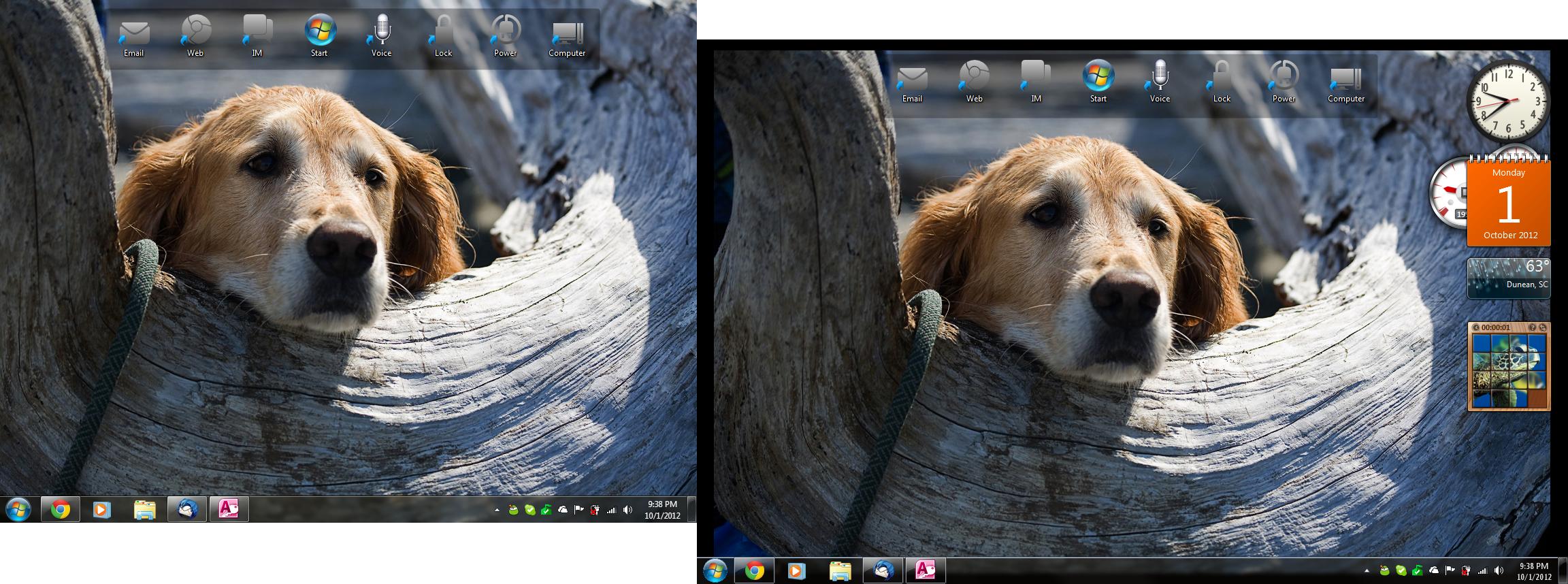
I am a multiple monitor user, and I am noticing an annoying black border around the wallpaper on my secondary monitor.
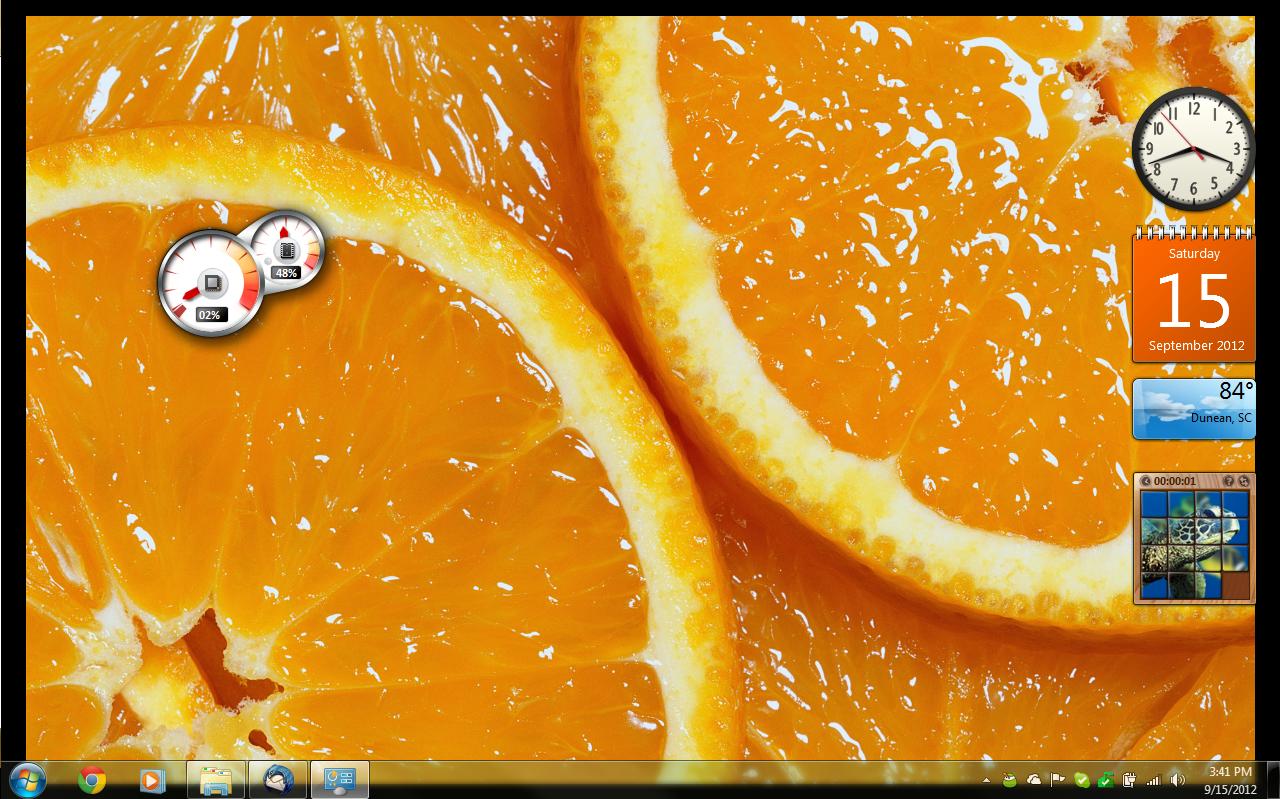
SECONDARY MONITOR SCREENSHOT
(The Taskbar is a DisplayFusion Copy, see the borders around the wallpaper?)
---------------------------
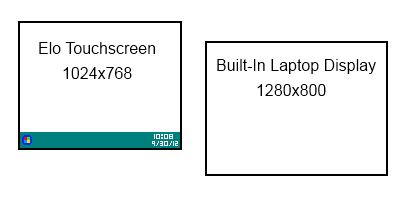
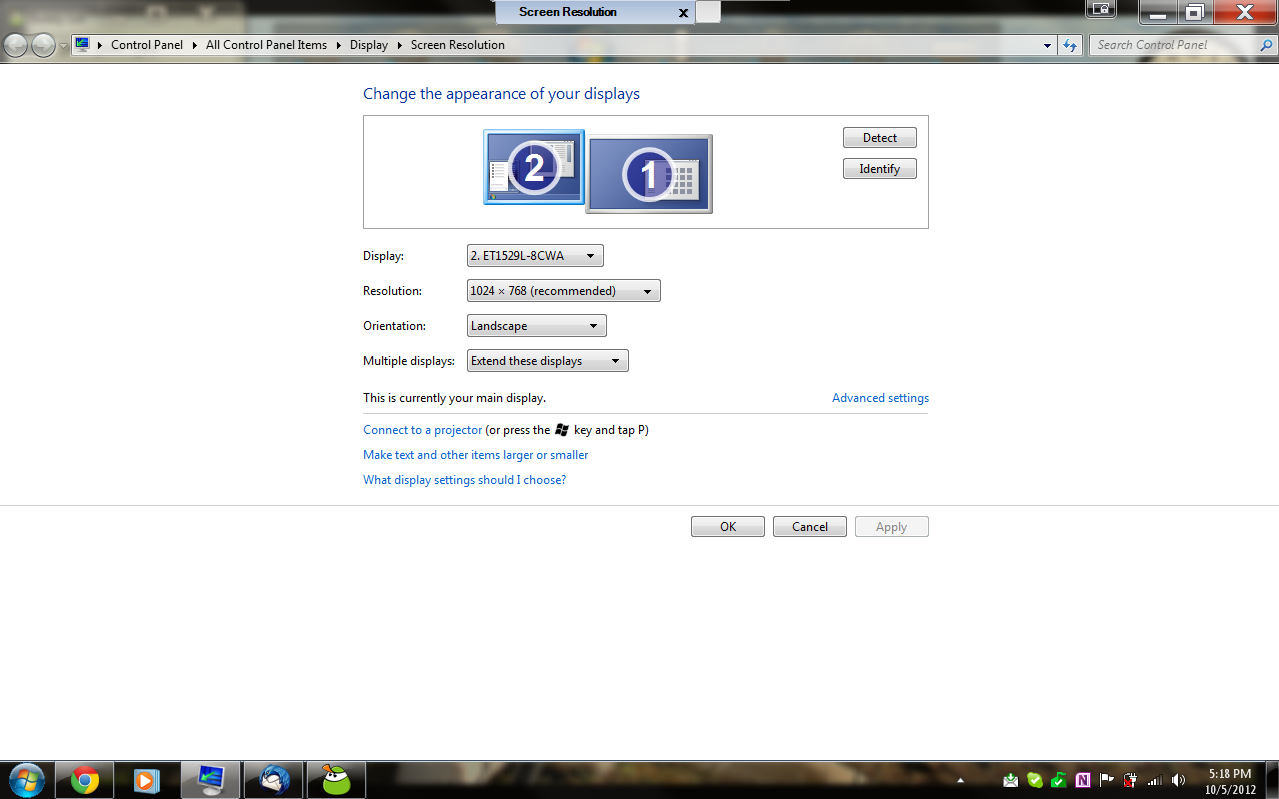
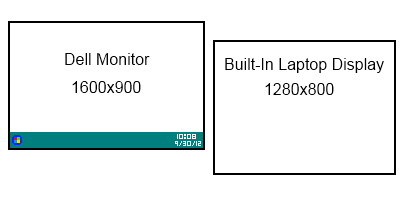
MY MONITOR SETUP
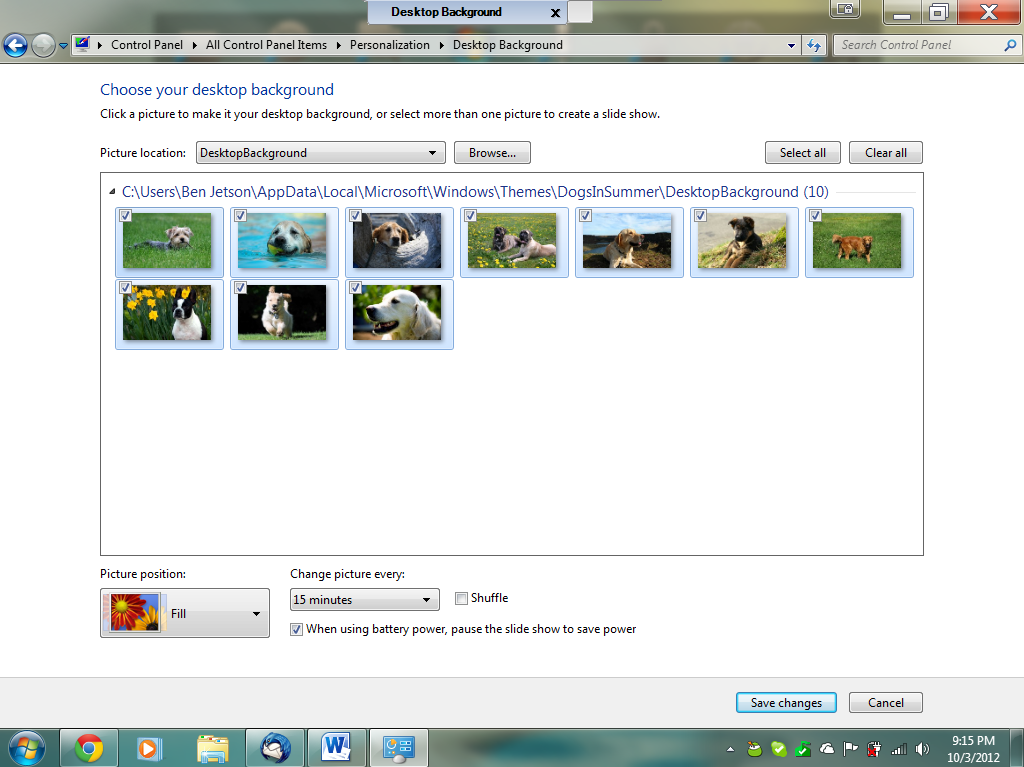
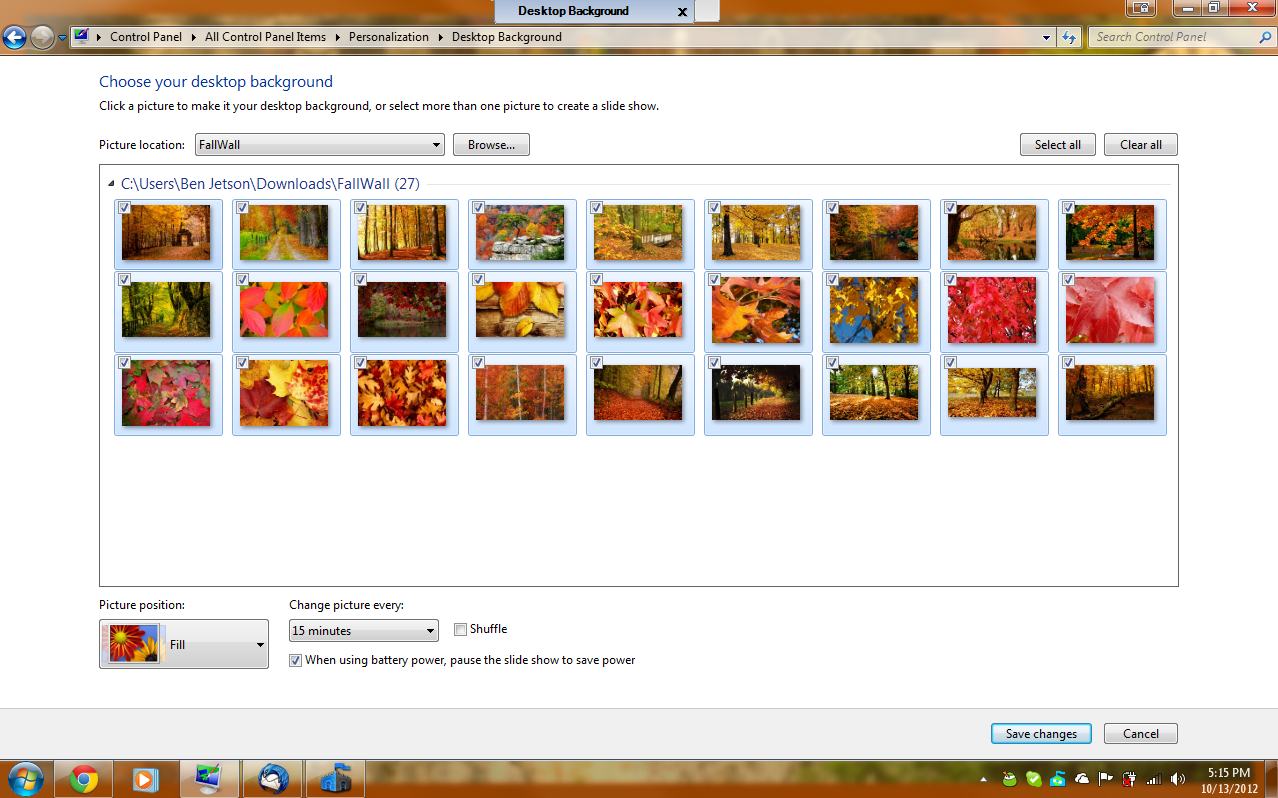
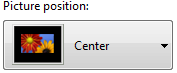
I'd like to know how to eliminate these borders around my wallpaper. The wallpaper is set to Fill.
SECONDARY MONITOR SCREENSHOT
(The Taskbar is a DisplayFusion Copy, see the borders around the wallpaper?)
I'd like to know how to eliminate these borders around my wallpaper. The wallpaper is set to Fill.
Last edited:
My Computer
At a glance
Windows 7 Professional 32 bitsIntel Celeron4.00 GB RAM
- Computer Manufacturer/Model Number
- TOSHIBA Satellite L305-S5955
- OS
- Windows 7 Professional 32 bits
- CPU
- Intel Celeron
- Memory
- 4.00 GB RAM
- Sound Card
- RealTek AC'97
- Monitor(s) Displays
- Monitor 1 (Elo Touchscreen) - Monitor 2 (Laptop Screen)
- Screen Resolution
- Monitor 1 (1024x768) - Monitor 2 (1280x800)
- Hard Drives
- C: (147 GB)
E: (4GB)
- Keyboard
- Built-In (Laptop)
- Mouse
- Elo Touchscreen/USB Mouse/Trackpad
- Internet Speed
- 100 Mbps
- Other Info
- Webcam - Logitech Webcam c210
Graphics Tablet - Manhattan WP8060