Got the message 'Bootmgr is missing' this morning. Been looking at potential solutions rfom the gurus on the forum, but neither the bios nor the recovery disc seems to be able to recongise the existance of the C: drive - as such I can't use any of the options that I've read on here in the tutorials.
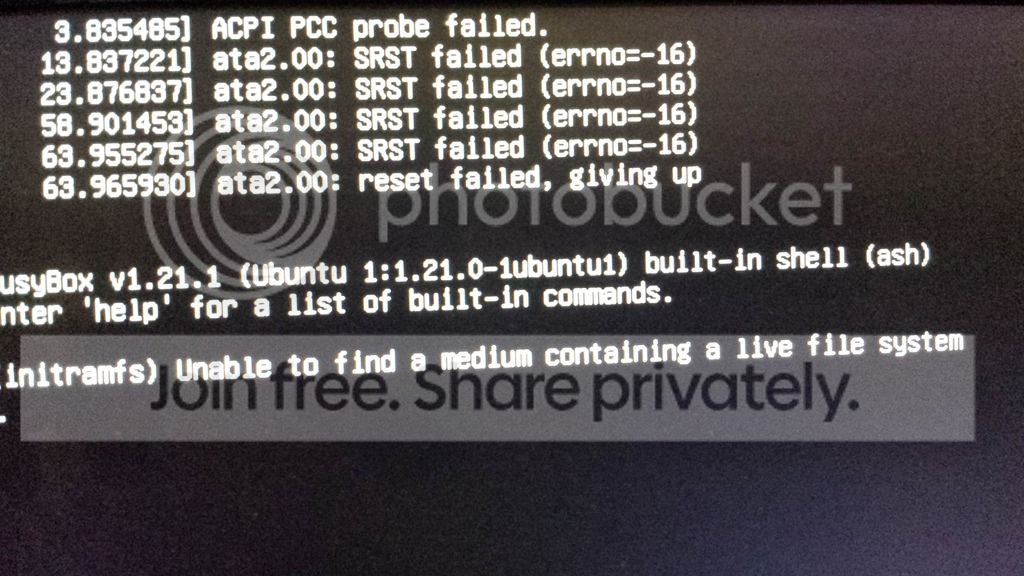
Initially the drive did show up in the usual sata bios checks - but now nothing. It like ti's unplugged! tried swapping sata and power cables to no avail. Even the dos prompt can't find c:
Is there something else I can try or is my drive toast? :huh:
thanks
Paul
Initially the drive did show up in the usual sata bios checks - but now nothing. It like ti's unplugged! tried swapping sata and power cables to no avail. Even the dos prompt can't find c:
Is there something else I can try or is my drive toast? :huh:
thanks
Paul
My Computer
- Computer type
- PC/Desktop
- Computer Manufacturer/Model Number
- Custom build
- OS
- Windows 7 Professional 64 bit
- CPU
- I3 530 2.93 ghz
- Motherboard
- Asus P7H55-MV
- Memory
- 8 gb
- Graphics Card(s)
- GE Force GTS 450
- Hard Drives
- 2 x 1gb Samsung Spin point 720rpm
- Antivirus
- Winders Security Essentials
- Browser
- Chrome