Useless User
New member
- Local time
- 9:33 AM
- Messages
- 147
BSOD 0x0000001e + 0x0000000a + 0x00000124
Hi,
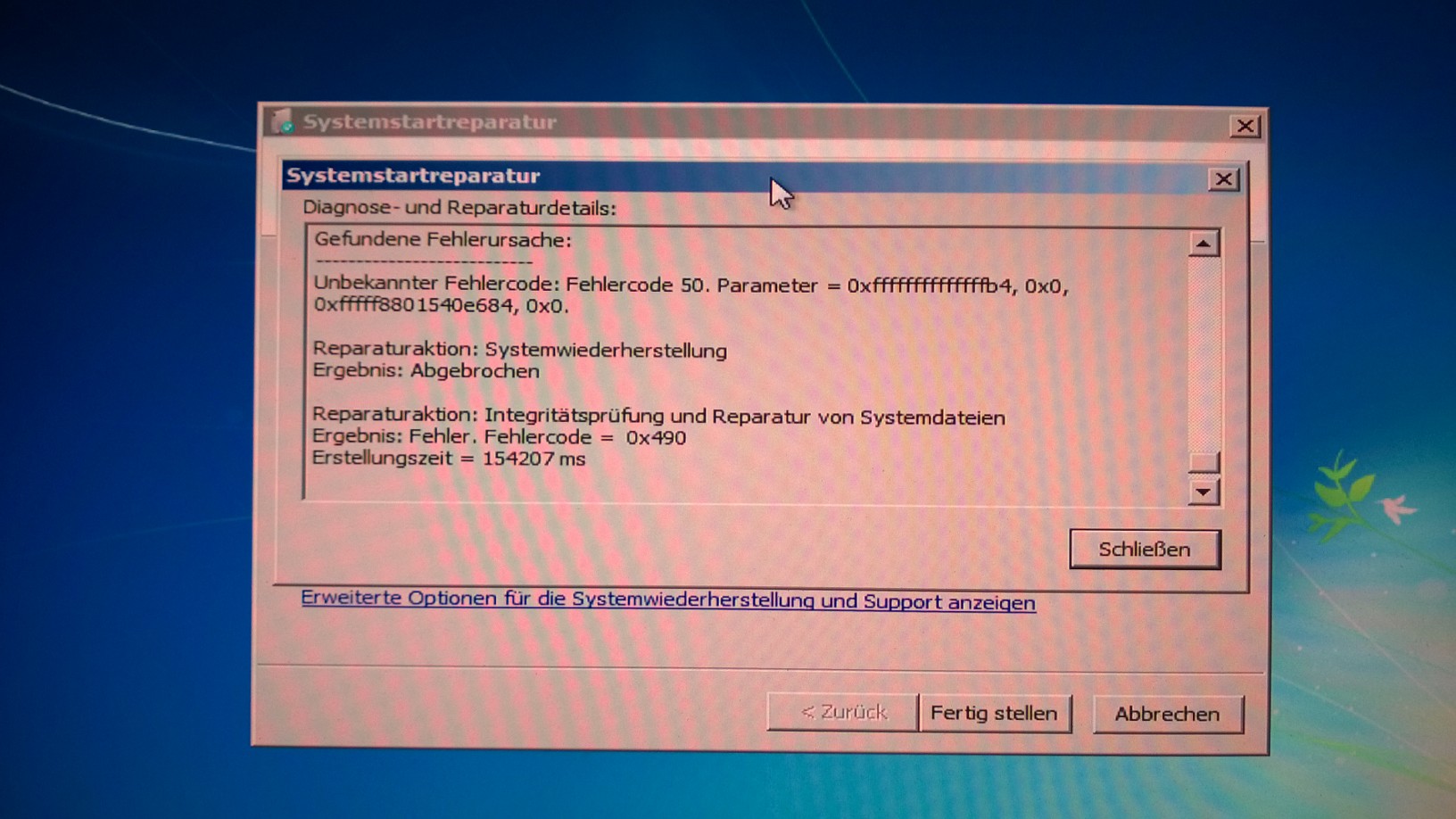
I am getting frequent BSODs when the PC is idle or under load (it runs a light simulation software, no games, internet browser, etc.). Although enabled, no minidump is written, hence I can't zip one up and post it here. What I did so far (multiple times, spending too many days):
I updated Windows 7, updated drivers (at least the PC tells me they are up to date), updated BIOS. I am using Windows 7 Professional, an ASUS P9X79 PRO motherboard, an Intel i7-3930 processor, 2x8GB Kingston memory in the right slots, BIOS set to defaults (CMOS button, battery removal), temperatures at full load around 60°C.
mdsched - passed multiple times
IPTC - passed multiple times, also failed multiple times
Intel Burn Test - passes very high setting, fails standard setting
verifier - manages to produce only one BSOD displaying "atikmpag.sys" on the blue screen part that is visible
Prime95 - sometimes works for a full day, sometimes fails after an hour
What can I do to pinpoint the problem?
Thanks in advance!
Hi,
I am getting frequent BSODs when the PC is idle or under load (it runs a light simulation software, no games, internet browser, etc.). Although enabled, no minidump is written, hence I can't zip one up and post it here. What I did so far (multiple times, spending too many days):
I updated Windows 7, updated drivers (at least the PC tells me they are up to date), updated BIOS. I am using Windows 7 Professional, an ASUS P9X79 PRO motherboard, an Intel i7-3930 processor, 2x8GB Kingston memory in the right slots, BIOS set to defaults (CMOS button, battery removal), temperatures at full load around 60°C.
mdsched - passed multiple times
IPTC - passed multiple times, also failed multiple times
Intel Burn Test - passes very high setting, fails standard setting
verifier - manages to produce only one BSOD displaying "atikmpag.sys" on the blue screen part that is visible
Prime95 - sometimes works for a full day, sometimes fails after an hour
What can I do to pinpoint the problem?
Thanks in advance!
Last edited:
My Computer
At a glance
Microsoft Windows 7 Professional 64-Bit 7601 ...Intel(R) Core(TM) i7-3930K CPU @ 3.20 Steppin...Kingston KHX1600C9D3K4/16GX 16 GB DDR3 9-9-9-27AMD FirePro V4900 (FireGL V)
- Computer type
- PC/Desktop
- Computer Manufacturer/Model Number
- Custom build 01/06/2012, rebuilt 10/24/2014
- OS
- Microsoft Windows 7 Professional 64-Bit 7601 Multiprocessor Free Service Pack 1
- CPU
- Intel(R) Core(TM) i7-3930K CPU @ 3.20 Stepping 6 Revision C1
- Motherboard
- ASUSTeK COMPUTER INC. P9X79 BIOS 4608
- Memory
- Kingston KHX1600C9D3K4/16GX 16 GB DDR3 9-9-9-27
- Graphics Card(s)
- AMD FirePro V4900 (FireGL V)
- Sound Card
- (1) AMD High Definition Audio Device (2) Realtek High Defini
- Monitor(s) Displays
- HP LP2475w
- Screen Resolution
- 1920 x 1200
- Hard Drives
- (1) ATA SAMSUNG HD204UI SCSI Disk Device
(2) ATA SAMSUNG SSD 830 SCSI Disk Device
- PSU
- CORSAIR HX650W
- Case
- fractal design DEFINE R4
- Cooling
- Noctua NH-D14 SE2011 and 2 x NF-A14 PWM
- Keyboard
- FILCO Majestouch 2 Ninja
- Antivirus
- Microsoft Security Essentials
- Browser
- IE11
- Other Info
- TP-LINK 150Mbps-Wireless-N-PCI-Adapter TL-WN751ND