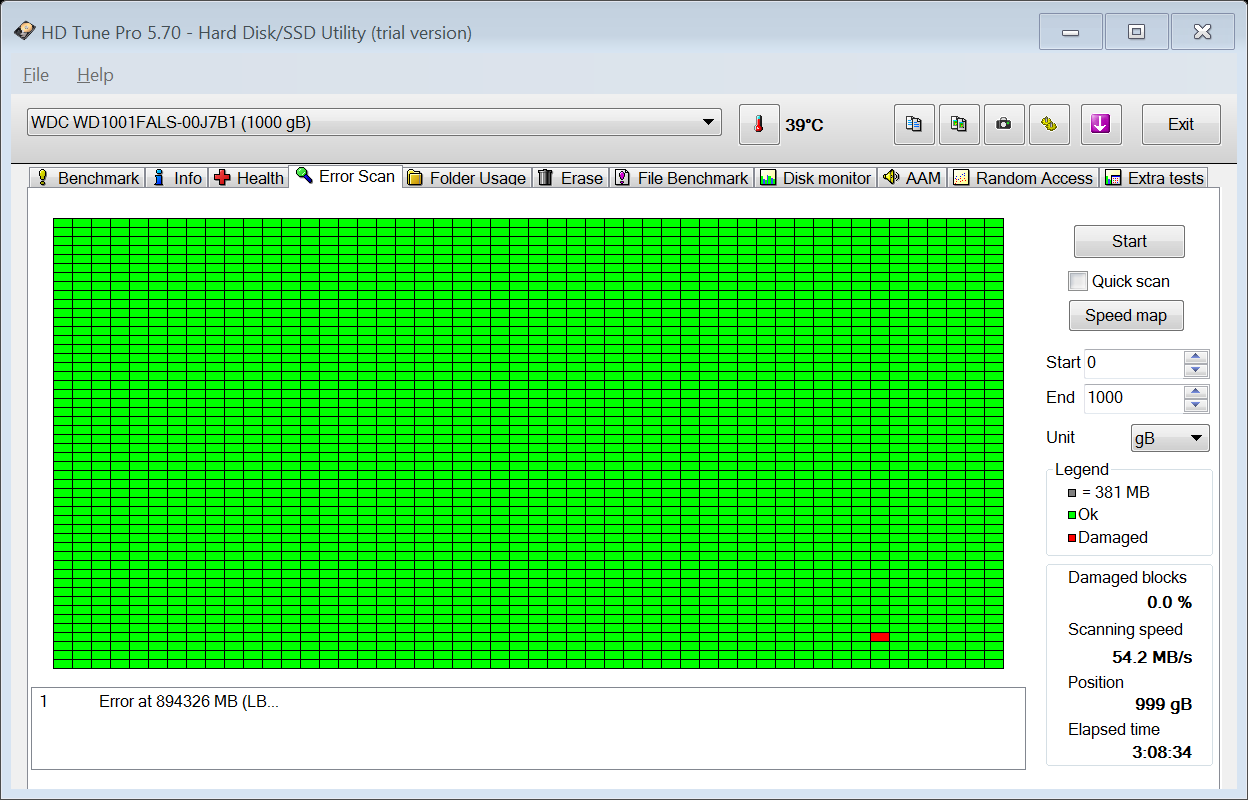
Anytime I setup my C drive to do an overnight, "CHKDSK On Reboot", I awake to a BSOD.
I have attached my, "DM Log" as requested for this thread, so every piece of info anyone may need will be in there.
Long and short, the dump file keeps saying:
*** WARNING: Unable to verify timestamp for nvlddmkm.sys
*** ERROR: Module load completed but symbols could not be loaded for nvlddmkm.sys
Probably caused by : nvlddmkm.sys ( nvlddmkm+12181c )
Ok, so, just update the NVIDIA driver right?
Not so fast.
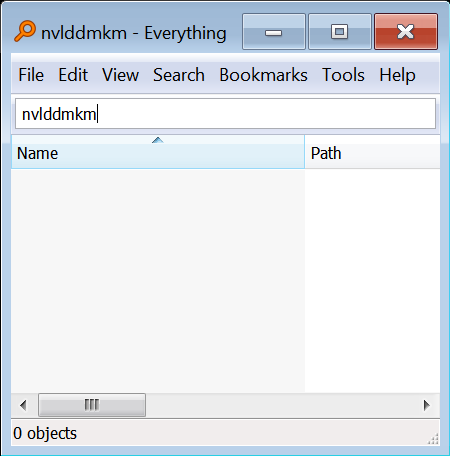
First, I completely removed/uninstalled the NVIDIA drivers from my system. Then, I attached, and booted from an additional Windows 7 hard drive, (what I like to call my repair drive), and completely cleaned, uninstalled, and manually deleted ANY occurrence of any NVIDIA files, drivers, folders, registry entries, etc. on the problematic main boot Windows 7 hard drive.
At this point, there is nothing at all pertaining to NVIDIA on the problematic hard drive.
Boot from the problematic hard drive, download, and install the latest drivers from NVIDIA, and even choose, "clean install" for those familiar with the NVIDIA installer.
"clean install" is supposed to remove any and all occurrence of any NVIDIA material BEFORE installing the latest drivers.
Even with the newest, freshest install of the NVIDIA drivers, and having totally stripped the hard drive manually of any reference to NVIDIA, I still get the above error after an overnight CHKDSK On Reboot.
So, it's not going to be driver related, because now, I have the latest/greatest.
Next one may say, the video card itself, (hardware).
However, after a plethora of battering test from such programs as Maxon's Cinebench, the card got respectable ratings, and never cuts out or ever gives me any problems during Windows 7 usage.
Ok, not driver, not hardware.
Did the usual, "now what" tests and checks in Windows itself, such as, "SFC" etc, ...all come back good.
I'm at wits end actually, and this is the reason for my posting.
I have attached my, "DM Log" as requested for this thread, so every piece of info anyone may need will be in there.
Long and short, the dump file keeps saying:
*** WARNING: Unable to verify timestamp for nvlddmkm.sys
*** ERROR: Module load completed but symbols could not be loaded for nvlddmkm.sys
Probably caused by : nvlddmkm.sys ( nvlddmkm+12181c )
Ok, so, just update the NVIDIA driver right?
Not so fast.
First, I completely removed/uninstalled the NVIDIA drivers from my system. Then, I attached, and booted from an additional Windows 7 hard drive, (what I like to call my repair drive), and completely cleaned, uninstalled, and manually deleted ANY occurrence of any NVIDIA files, drivers, folders, registry entries, etc. on the problematic main boot Windows 7 hard drive.
At this point, there is nothing at all pertaining to NVIDIA on the problematic hard drive.
Boot from the problematic hard drive, download, and install the latest drivers from NVIDIA, and even choose, "clean install" for those familiar with the NVIDIA installer.
"clean install" is supposed to remove any and all occurrence of any NVIDIA material BEFORE installing the latest drivers.
Even with the newest, freshest install of the NVIDIA drivers, and having totally stripped the hard drive manually of any reference to NVIDIA, I still get the above error after an overnight CHKDSK On Reboot.
So, it's not going to be driver related, because now, I have the latest/greatest.
Next one may say, the video card itself, (hardware).
However, after a plethora of battering test from such programs as Maxon's Cinebench, the card got respectable ratings, and never cuts out or ever gives me any problems during Windows 7 usage.
Ok, not driver, not hardware.
Did the usual, "now what" tests and checks in Windows itself, such as, "SFC" etc, ...all come back good.
I'm at wits end actually, and this is the reason for my posting.
My Computer
- Computer type
- PC/Desktop
- Computer Manufacturer/Model Number
- Custom Build
- OS
- Microsoft Windows 7 Ultimate x64 / 6.1.7601 Service Pack 1 Build 7601
- CPU
- Intel(R) Core(TM)2 Extreme CPU X9650
- Motherboard
- Asus P5K Deluxe
- Memory
- 8 GB
- Graphics Card(s)
- EVGA Nvidia GeForce GTX 580 (3842) 3GB GF110
- Hard Drives
- Western Digital WDC WD1001FALS-00J7B1 1TB SATA
- Antivirus
- Kaspersky Anti Virus v14.0.0.4651(a)
- Browser
- Internet Explorer / Firefox