- Local time
- 3:47 AM
- Messages
- 50,634
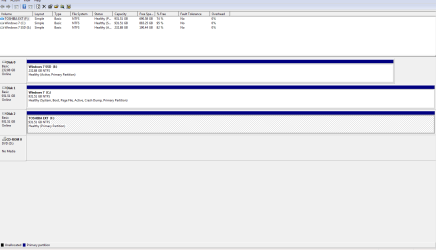
Mitch let us see another screenshot of Disk Management - Post a Screen Capture Image.
Look under Storage devices in BIOS setup for the SSD. It should be there if its booting. Is there a place to set the Primary and Secondary drives? Maybe it needs to be set Primary first, which is a reason it couldn't boot as iOS when you added the hard drive.
Look under Storage devices in BIOS setup for the SSD. It should be there if its booting. Is there a place to set the Primary and Secondary drives? Maybe it needs to be set Primary first, which is a reason it couldn't boot as iOS when you added the hard drive.