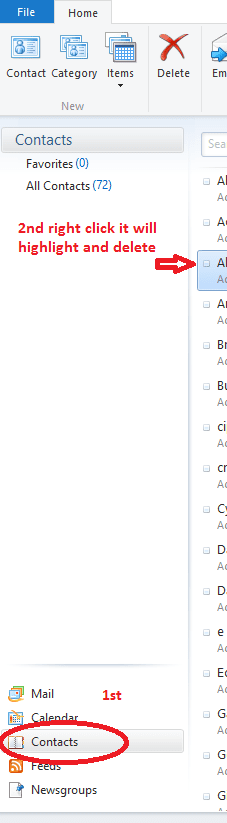
You can't delete contacts that appear in your contacts list by virtue of your linking some social networking service like Facebook to your Windows Live account. These are your Facebook friends who would have to be removed from your list in Facebook itself. You can, however, remove the link to Facebook:
In WLMail, click the right-most button on the Home tab and select View my profile.
On the left-hand side of the page that opens, under Connected to, click Manage.
Under the name of the connected service that you no longer want on your profile, click Edit.
At the foot of the page, click Remove this connection completely.
You'll no longer see contacts from this other service in WLMail once your contacts list has synchronized with Hotmail again (this might take a few hours).