Good Job
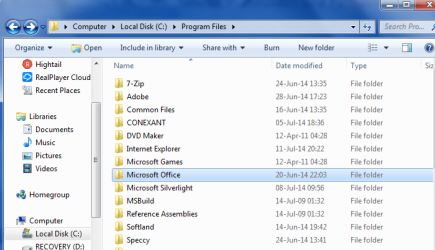
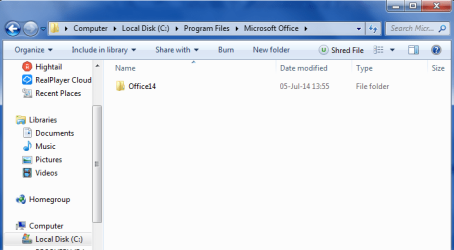
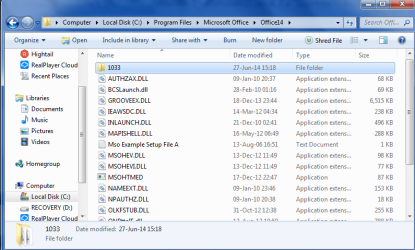
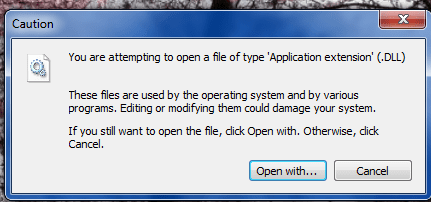
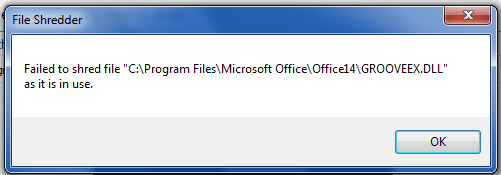
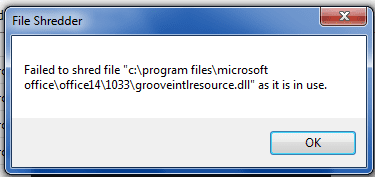
Yes that is what I was referring to. You need to take possession of that Program File directory.
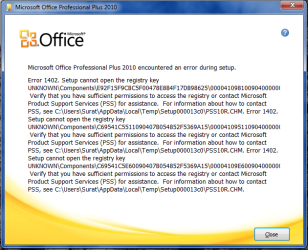
Before you delete those files lets discuss it. Do you use regedit? because if you delete those files manually all the entries remain in the register.
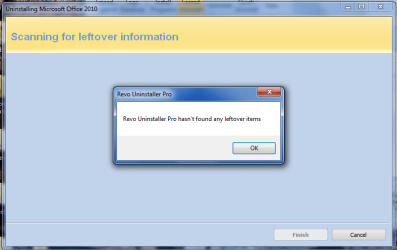
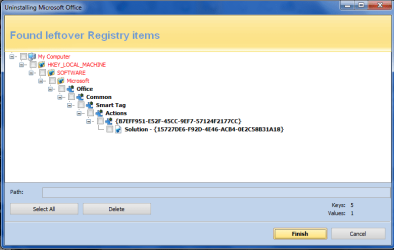
Otherwise I have a good suggestion. There is a program called "Revo Uninstaller". You may be familiar with it, but I will explain it anyhow. This program has a download that when you install it, it asks if you want the trial or free version. I would take the trial and at the appropriate time you can either buy or uninstall. Meanwhile you can us the "force" uninstall feature to take out Office. You can read the help about how to use it. After the forced uninstall if you run it in the advanced mode it will scan the registry and directory tree for left over framgments and give you the option to delete. Hopefully this will wipe traces of Office from your operating system.
Once you use this you should be ready for an install attempt. Dont forget to take ownership of the program files directory. If this install attempt fails, you will have to go through the whole thing again and then manually search the registry for "office", "office14" and any other referernce you can think of (deleting each one you find). To do this you will need to back up the registry prior to any changes. That is case you screw up, you can restore it.
Download "Revo Uninstaller" and Install. Revo will save you a restore point.
If you have to resort to the manual edit of the registry, here is a tutorial for backing it up.
http://www.sevenforums.com/tutorials/4230-registry-backup-restore.html
If you have more question don't be afraid to ask.