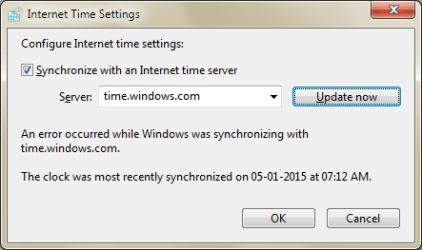
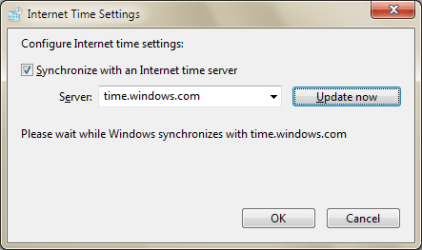
Windows 7 PC doesn't synchronize with Internet time server "time.windows.com". When I go to "Date and Time -> Internet Time -> Change settings" and click on "Update now" it never completes.
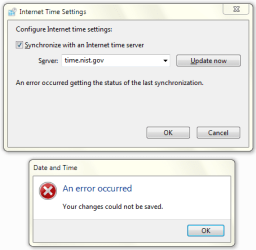
If I change to another Internet time server and click on "Update now" or "OK" it gives me an error.
Is this a permissions issue?
I confirmed that the Windows Time service is set to Automatic and is Started, but there is no change. Also tried the following commands:
How can I solve this vexing problem?
If I change to another Internet time server and click on "Update now" or "OK" it gives me an error.
Is this a permissions issue?
I confirmed that the Windows Time service is set to Automatic and is Started, but there is no change. Also tried the following commands:
Code:
net stop w32time
w32tm /unregister
w32tm /register
net start w32time
How can I solve this vexing problem?
My Computer
- Computer type
- Laptop
- Computer Manufacturer/Model Number
- Lenovo
- OS
- Windows 7 Ultimate 64-bit