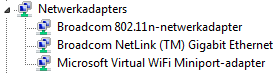
But for my iphone my wifi is the whole time working
I didn't realize that.
Each wifi device is assigned an dchp or static ip address
So it possible that two devices are using the same dchp or static ip address is conflicting.
I don't know how many wifi devices can be connected to a router at one time.
Turn off all your wifi device including the computer.
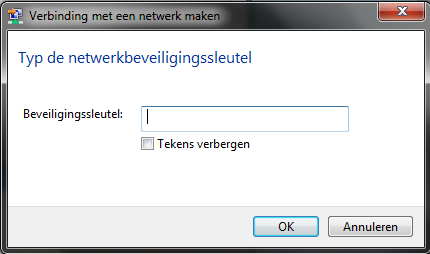
What you need to do, is do a full factory reset on your router press your reset button and hold for 30 seconds or more wait to the wifi internet connection comes back steady light. Then turn on your computer left click open network sharing computer icon. Choose your internet connection, select connect. Do not type a password there. Now hold your wps button until it lights up, then wait. After connected, stop go into your modem settings using your web browser and change the default password (your default password & user name is usually in the router instructions). You can leave the computer on. Turn on each wifi device one at a time, you might get a warning the wifi is diabled, ignore that. For each device go into the settings and select "WPS" maybe be called something different in Netherlands. Now press the router "WPS" button until the light comes on. After you are done with one device, turn on the next wifi device it is ok to leave the previous devices on after you are done.
Also, if one or more device goes ahead connect, go ahead a reset so it assigned a correct dchp or static ip address.
I hope explained that good and I hope I am right.