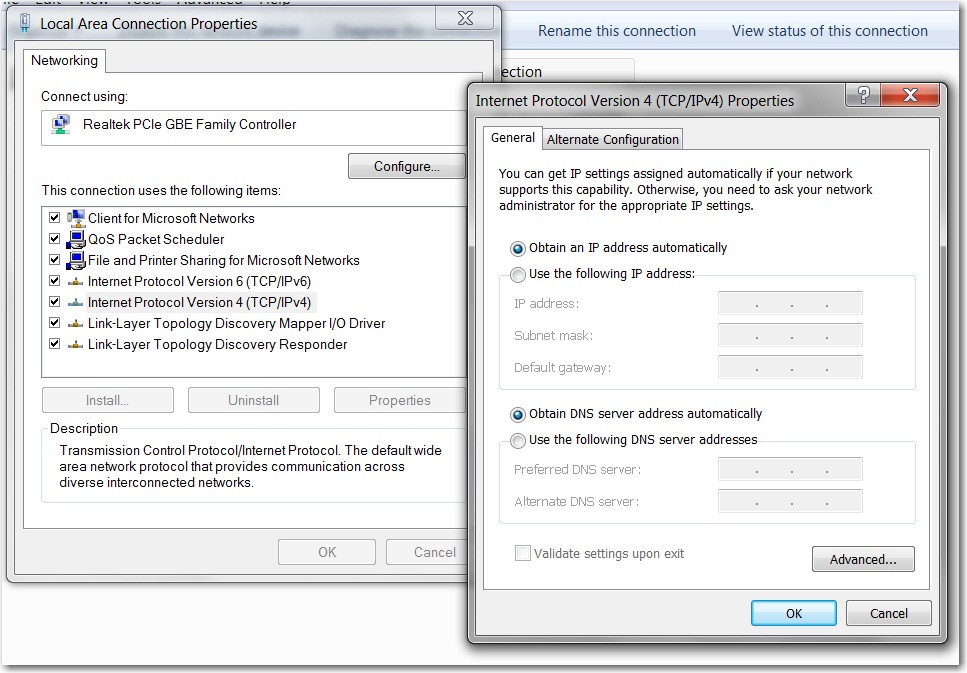
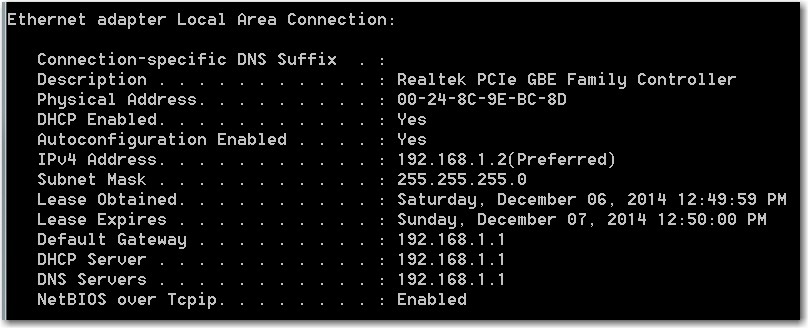
And obviously IPCONFIG /ALL will show something essentially identical for the laptop as it does right now for your desktop. I would think you'd only see "default gateway" of 192.168.0.1, and no DNS items at all.
well if you look at the ipconfig i posted earlier it does display the dns servers.
Yes, I saw that, but I assumed you had manually entered that information in the TCPIP setup of the laptop, rather than letting them get "obtained automatically" through DHCP same as the PC's IP address gets "obtained automatically" through DHCP.
My own experience is that I've not seen specific DNS servers in IPCONFIG, unless they're manually set. My own experience is that the router's 192.168.1.1 shows up as the DNS server, as well as the default gateway.
But... who knows how this Cisco device works.
well anyways i ended up shutting down both pcs and reset the router to default again.
started the desktop - everything worked fine
started the laptop - and it worked!
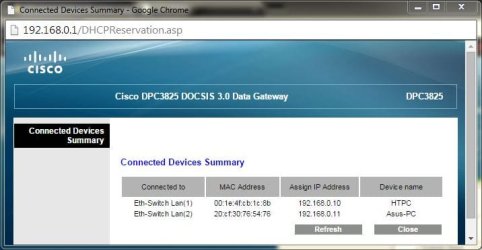
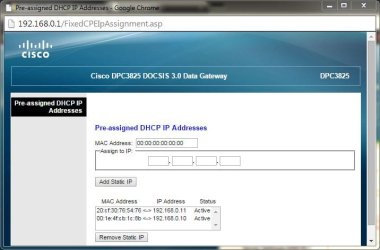
the router lists both pc's in the connected devices list and in the pre-assigned address list as 'active'.
Ok... that makes more sense. There's a big difference conceptually between the word "active" and "reserved", and "active" I can accept in this second list as a benign description of why the IP address is shown.
Yes, I've not ever seen this in Netgear routers, but again who knows about this Cisco router. Nevertheless, at least it's not "reserved".
then, when disabling the wired and enabling the wireless, i got the same problem.
Did you power the laptop off do do this? On my Lenovo W530 I can switch the wireless radio off through a slide switch, so if I want to alternate between wired and wireless I first power the machine off and then remove the ethernet cable and then push the radio slide switch to ON. Then I re-boot.
And, with my Netgear routers I've never had any problem getting an IP address assigned through DHCP no matter whether I'm wired or wireless (two separate MAC addresses of course, corresponding to the two separate adapters)... but then I never try to "hot swap". I always power down first and then do the hardware change, and then power back up.
so i restarted everything again, this time enabling the wireless first, and it worked fine again. the same problem occurred again when trying to switch back to wired.
Again, I'm just curious as to what actual steps you go through to accomplish this switch, and did you power the laptop off first before switching.
when looking at the router settings, it appears that the 'connected device' listing doesn't always remove itself after the adapter is disabled.
I saw this "retained entry for a now disconnected device" constantly with a Motorola SB6580 (modem plus router), along with address reservation entries that I'd set but which then seemed to disappear of their own volition.
I finally got so exasperated with this POS that I discarded it, replacing it with a discrete Netgear CMD31T modem and Netgear WNDR4000 router. Never ever see ANY anomalies or inexplicable and harmful behavior.
anyway, at least now i know that i can get it to work. what's odd is that this never happens with the desktop. if i disable the adapter, it is removed from the list and reappears once connected.
But the desktop doesn't have two separate NICs with two separate MAC addresses but with a common "host machine name" (i.e. both appearing as ASUS-PC) to confuse the firmware. The desktop is only seen as HTPC for its one-and-only wired connection.
My feeling is that it's likely a problem with the Cisco unit that's the culprit.
now i'm having a problem with the laptop connecting to shared folders on the desktop. from the desktop, i can access shared folders on the laptop just fine. it never ends.

I know.
What's the symptom? "Access denied"? Shared folders on the desktop not even visible from the laptop?
Do you have username and password (i.e. for Windows welcome) on both machines?