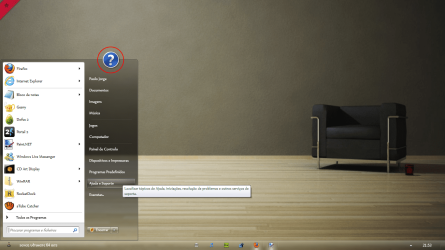
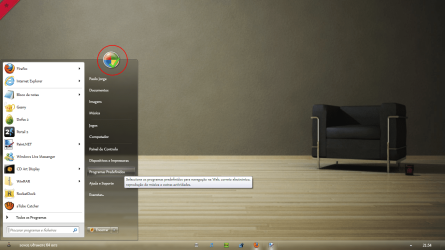
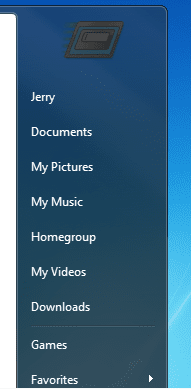
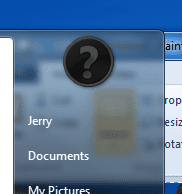
Really not sure you can change the icons, albeit they can be turned off. Just go into toolbar properties then click on "Start Menu tab" then click on the "customize. . ." button to turn them off. Not sure if that will help, but it will remove them from the start menu. Good Luck.
My Computer
At a glance
Win 7 Pro x64, VM Win XP, Win7 Pro Sandbox, K...AMD Athlon(tm) II X4 640 @ 3.0 Gbz12GB 1066MHz DDR3 SDRAM - 2x4GB, 2x2GBATI Radeon HD 4350 HD Graphics/Audio with 512MB
Computer Manufacturer/Model Number
HP Pavilion a4302f
OS
Win 7 Pro x64, VM Win XP, Win7 Pro Sandbox, Kubuntu 11
After you set the permissions to "Allow" your user account "Full Control" of the DefaultIcon key in the left pane of the registry at the locations below for these items, you can right click on (Default) in the right pane of DefaultIcon, click on Modify, type in the full path of the icon within quotes that you want to use, and click on OK to use it. When finished, log off and log on, or restart the computer to apply the new icon.
Help and Support: HKEY_CLASSES_ROOT_CLSID\{2559a1f1-21d7-11d4-bdaf-00c04f60b9f0}