Thank you
I wanted to thank you for posting this information. I have been fretting for days doing research. I am far from being a computer pro, but I can make my way well enough. I have a Sony Vaio VPCCW21FX laptop. It is running Windows 7 64-Bit Home premium. I installed Windows 10 but there were some software conflicts. One of which was my touchpad (scrolling) stopped working. Before I installed 10 I created a restore point. Anywho, after I discovered the conflicts with no resolutions offered by Sony, I decided to return to Window 7. I went through the start menu on W10 and went through the steps to return. I have not been able to access anything since. I pulled the hard drive and plugged it into my desktop. It seems fine. Unfortunately I saved all of my pictures and a lot of my music on my desktop so they are not on the HDD. Otherwise I wouldn't be freaking out. I don’t know much about computers. Only what I have gleaned from the internet. Which as you know can be dangerous. lol
F10 Takes me to recovery tools. It tells me that windows cannot automatically repair this computer and asks whether I want to or not to send the info to them. I did so.
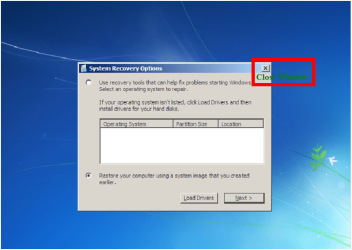
On both it sent me then to System recovery tools. I tried Start up repair, System restore, System image recovery, Windows memory diagnostics, all to no avail. I went into command prompt but I don't know enough commands to really get anywhere. It will boot up so I ran a CPU and HDD test. There were no errors found on either. I tried the rescue data option but that is only offering me the option of saving what is on my HDD, which is a moot point as I can do that directly to my desktop.
F8 Took me to Advanced boot options. Which were as follows, Repair, Safemode, safe mode with networking, safe mode with command prompt, enable boot logging, enable low res video, last known good configuration, directory services, debugging mode, disable automatic restart on system failure, disable driver signature enforcement, start windows normally. I tried all three safe mode options. At one point I was able to get to the safe mode login screen. The cursor is flashing in the space to type in the password but then my mouse and keyboard didn't function on that screen. I tried a wireless Tivo dongle with the keyboard remote, Nope. I looked at a plug in keyboard I have for a 400 capacity DVD player, Nope. I tried the USB keyboard from my desktop, Nope. I then tried Last known good configuration, Debugging mode and start windows normally. None of which worked. The other options I am not familiar with so I didn’t want to mess anything up by trying them and doing something wrong.
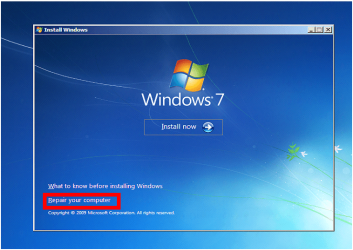
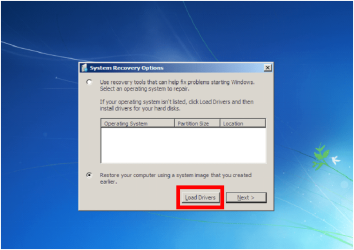
I created a repair disc from my desktop and when I used it IT WORKED!!!
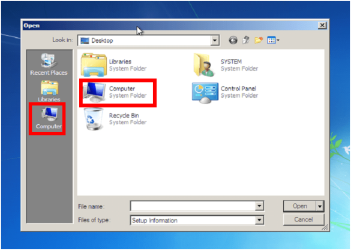
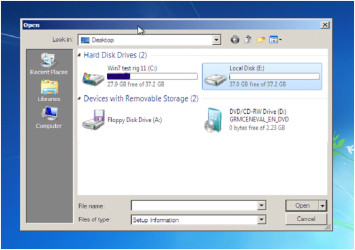
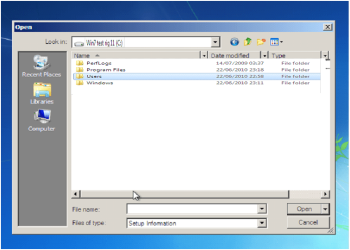
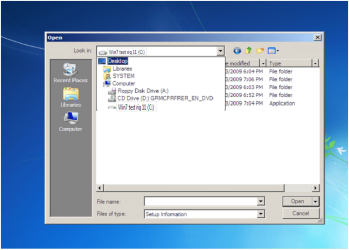
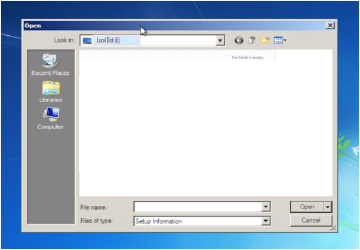
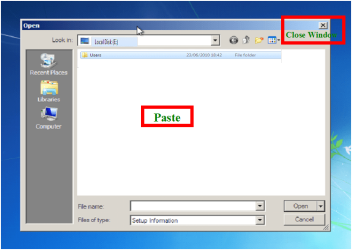
I just went through your steps one by one and have found and copied my precious pictures. Thank you, thank you, thank you!!!