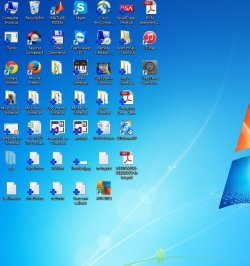
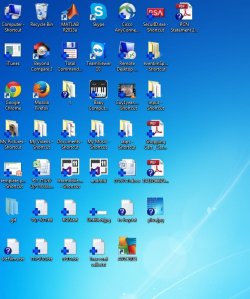
Source: ... I forget to copy.
Here is how I fixed it even though I do NOT have Norton backup turned on:
To turn off backup setting options
In the Norton 360 main window, click Settings.
In the Settings window, under Detailed Settings, click Backup Settings.
In the Settings window for Backup Settings, do one of the following:
To turn off icon overlays, in the Backup Status Overlays row, move the On/Off switch to the right to the Off position.
To turn off Norton Backup Drive, in the Norton Backup Drive row, move the On/Off switch to the right to the Off position.
To turn off right-click backup menu, in the Context Menu row, move the On/Off switch to the right to the Off position.
To turn off Backup tab in the Properties page, in the Property Page row, move the On/Off switch to the right to the Off position.