- Local time
- 6:25 AM
- Messages
- 5,915
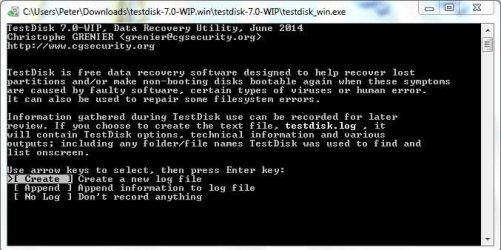
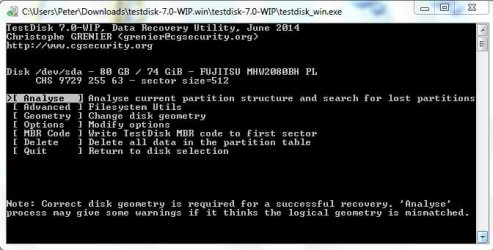
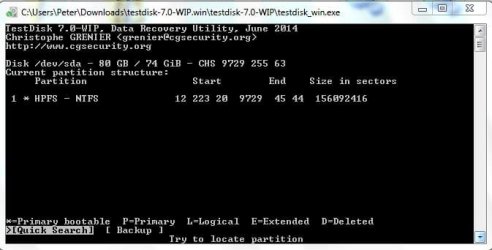
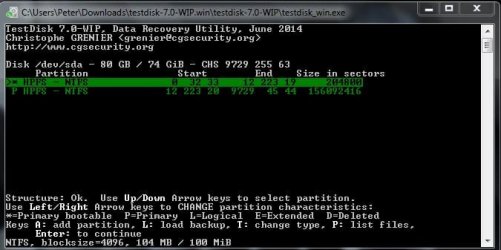
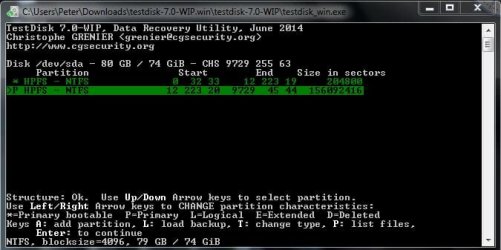
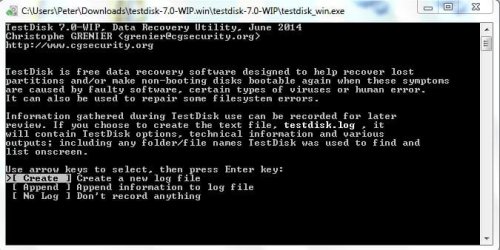
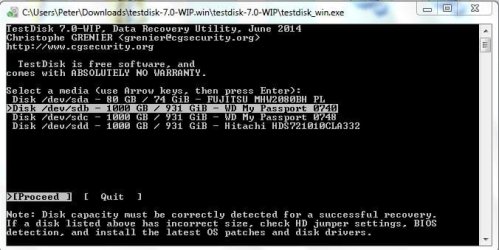
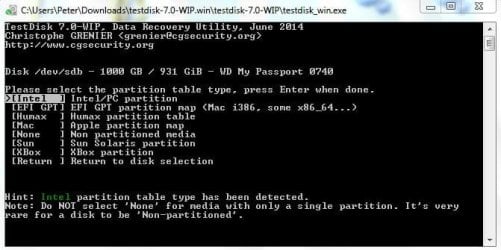
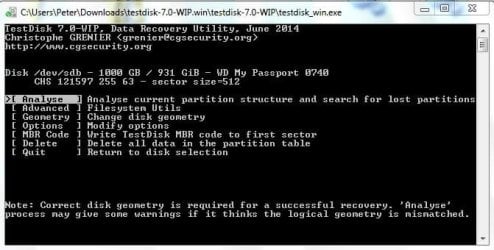
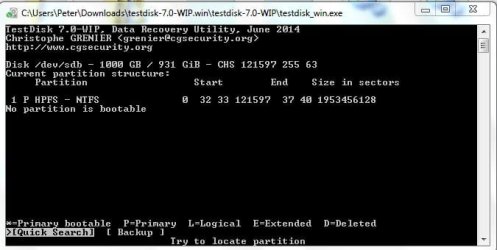
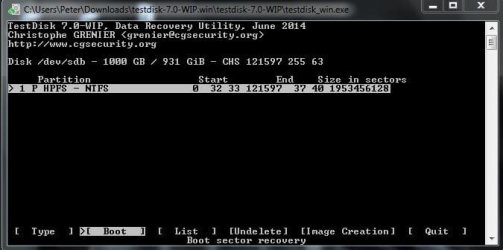
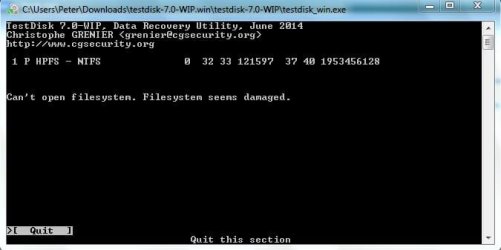
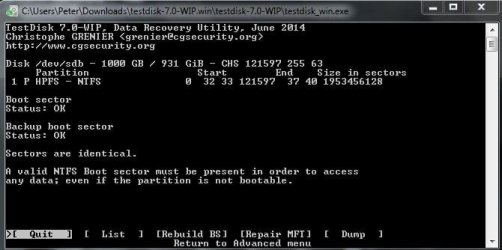
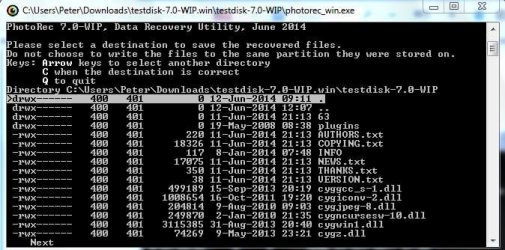
yep, click on testdisk_win.exe to run Test Disk and then follow the screen as indicated.
Read each screen.
And yes, you have to navigate with up/down Left/right arrow keys and use Enter key or any other key indicated in the screen. At anytime you can quit Test Disk by pressing Q repeatedly
If you have any doubts post the screenshot as you did above.
Read each screen.
And yes, you have to navigate with up/down Left/right arrow keys and use Enter key or any other key indicated in the screen. At anytime you can quit Test Disk by pressing Q repeatedly
If you have any doubts post the screenshot as you did above.
My Computer
At a glance
Windows 7 Home Premium 32 bit
- OS
- Windows 7 Home Premium 32 bit