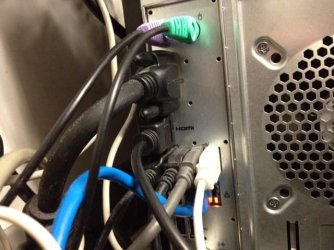
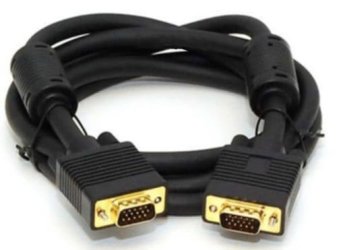
I have the 2nd setup through a vga to hdmi cable but it just sits there black with "check signal cable."
2nd monitor is an lg2241
Tried:
- multiple re-boots
- downloaded a driver from LG but don't see that it did any kind of install. Double clicking it's zip file opened it and clicking on the three files did nothing but open gibberish code.
- at screen resolution I see multiple displays and I have it set on extended.
- Clicked detect and identify
- #2 says display device on vga
- tried unplugging and reconnecting the cable (hdmi to vga)
I'm lost. SOS!
lol!
Thx,
Dave
2nd monitor is an lg2241
Tried:
- multiple re-boots
- downloaded a driver from LG but don't see that it did any kind of install. Double clicking it's zip file opened it and clicking on the three files did nothing but open gibberish code.
- at screen resolution I see multiple displays and I have it set on extended.
- Clicked detect and identify
- #2 says display device on vga
- tried unplugging and reconnecting the cable (hdmi to vga)
I'm lost. SOS!
lol!
Thx,
Dave
My Computer
At a glance
Win 7Intel i5-2320 3ghz16gintel hd graphics family
- Computer type
- PC/Desktop
- Computer Manufacturer/Model Number
- Gateway
- OS
- Win 7
- CPU
- Intel i5-2320 3ghz
- Memory
- 16g
- Graphics Card(s)
- intel hd graphics family
- Hard Drives
- a solid state and other
- Antivirus
- avg
- Browser
- firefox