
so my printer stopped printing halfway through an image, thinking it was out of ink (but no warning came up) i opened up devices and printers to check status monitor to see which ink it was out of.
there was no status monitor or replace ink cartridge icons. so i checked on the printer screen which said replace M. i replaced magenta and tried printing again but now get this
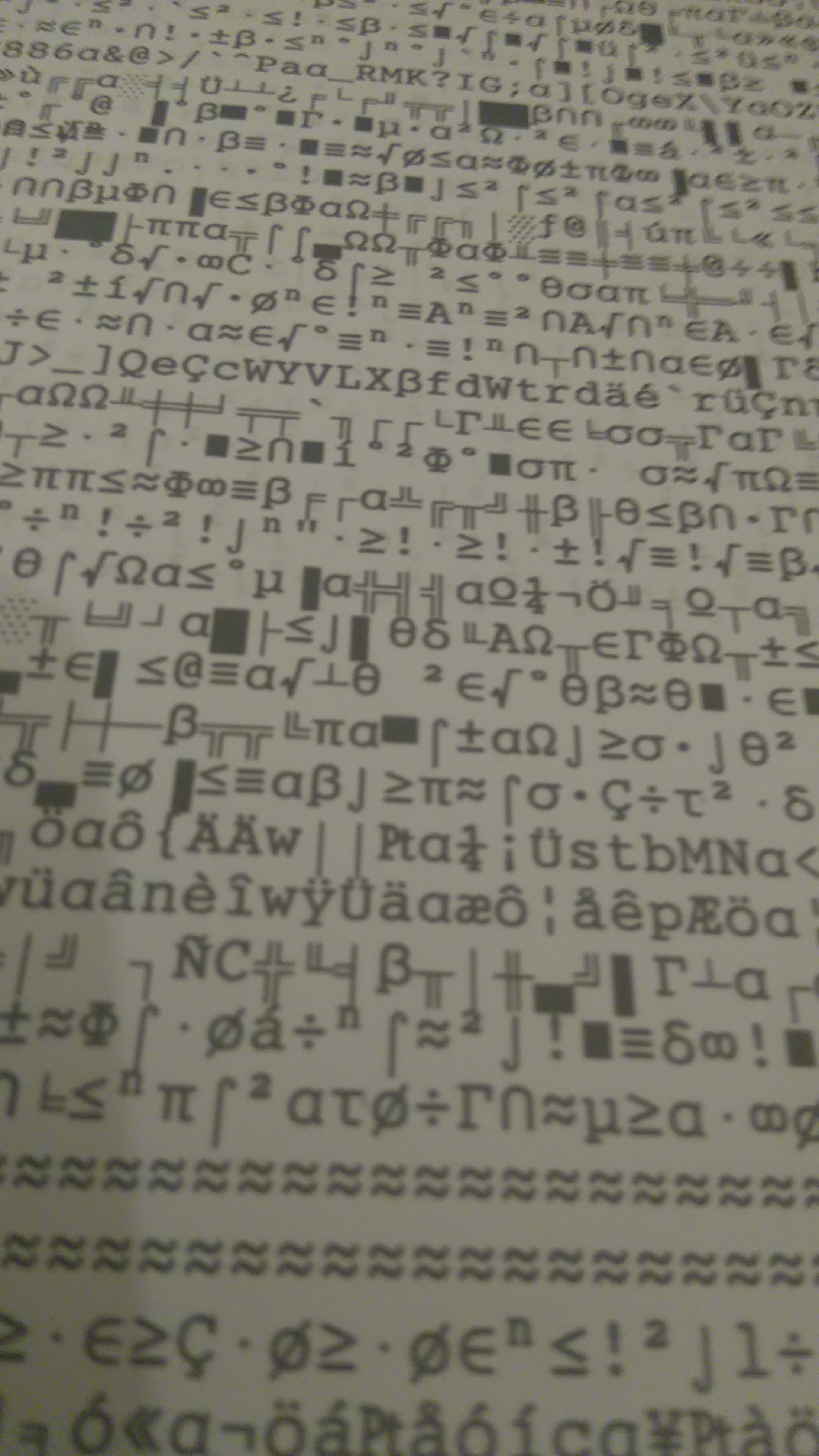
any help appreciated
there was no status monitor or replace ink cartridge icons. so i checked on the printer screen which said replace M. i replaced magenta and tried printing again but now get this
any help appreciated
My Computer
- Computer type
- PC/Desktop
- Computer Manufacturer/Model Number
- custom build
- OS
- windows 7 ultimate 64 bit
- CPU
- AMDA8-7650K
- Motherboard
- ASUS a88xm-e
- Memory
- 8 gig
- Graphics Card(s)
- radeon r7
- Hard Drives
- 1 tb internal 2tb x2 externals
- Other Info
- also use
pc with fedora, laptop with ubuntu 14.04lts, laptop with linux mint 17.03


