gopu2013,
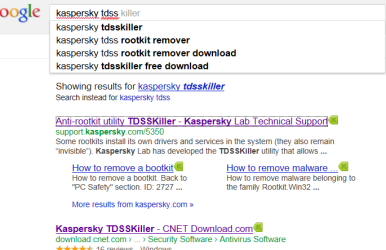
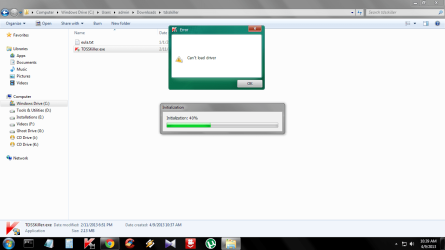
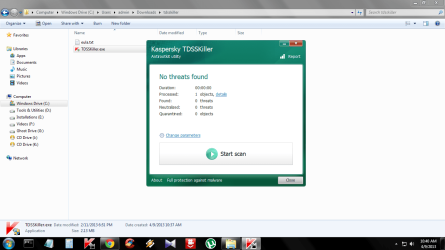
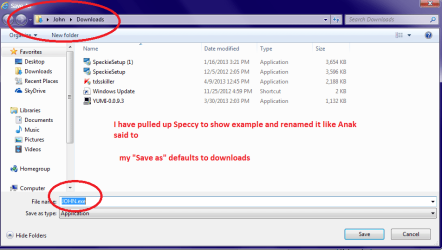
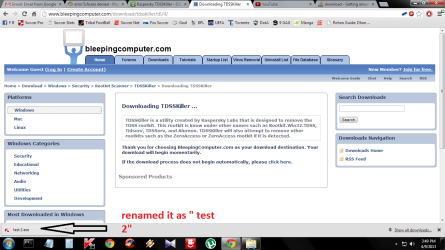
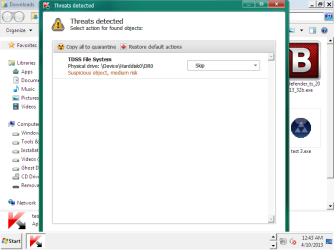
Also. you can directly download the .exe version of
TDSSKiller, and try running it, if the previous attempt did not work:
http://support.kaspersky.com/downloads/utils/tdsskiller.exe
In addition to the above, please download
RogueKiller:
Tlcharger RogueKiller (Site Officiel)
When you get to the website, go to where it says:
(Download link) Lien de téléchargement:
Select the version for your system. (32-bit or 64-bit)
Click the dark-blue button to download.
Save to the Desktop.
Close all windows and browsers.
Right-click and select: Run as Administrator
At the program console, wait for the prescan to finish. (Under Status, it says: Prescan finished.)
Press:
SCAN
When done, a report opens on the Desktop:
RKreport.txt
Please provide the
RKreport.txt (Mode: Scan) in your reply.
Last, download
Farbar Service Scanner
Save to the Desktop
- Make sure the following options are checked:
- Internet Services
- Windows Firewall
- System Restore
- Security Center
- Windows Update
- Windows Defender
- Press: Scan
- FSS creates a log, FSS.txt, on the Desktop.
Please provide the
FSS.txt in your reply.
Forgot you ran
RKill. 
From what it shows, would not be surprised if you have a
RootKit: ZeroAccess
Will await your results for the programs above.
@
ICit2lol,
Need to run another tool before getting to those programs, except for
TDSSKiller. We cannot control what those programs do, and we need to get a reading of what, exactly, is on the system, first of all. We're shooting blind right now.




 what is in that system, before the User runs any other program.