I'll post some other references so I don't lose them.
Trying the newer Universal Print Driver (UPD) is the only actionable post. Everything else is reference.
I'll ask direct questions or post instructions if I think something might help. These are always trial and error sessions, and there might not be a solution.
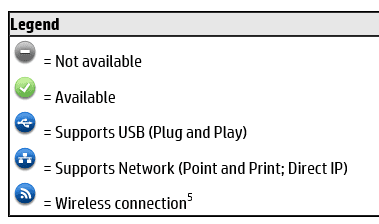
The first thing I noted when I read one of the documents is that the UPD only supports the LJ500 as an Ethernet connected printer
HP Universal Print Driver (UPD) supported printers

I don't see how that would affect installing the driver. It might though - many devices want the driver installed before the device is connected, you are instructed to connect the device at some point in the install to complete the install and configure the device.
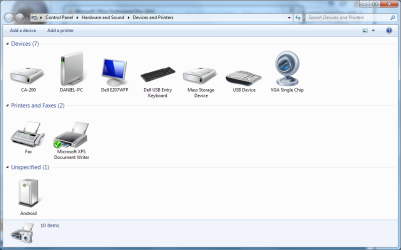
Question: Is the LJ5000 connected via Ethernet or USB?
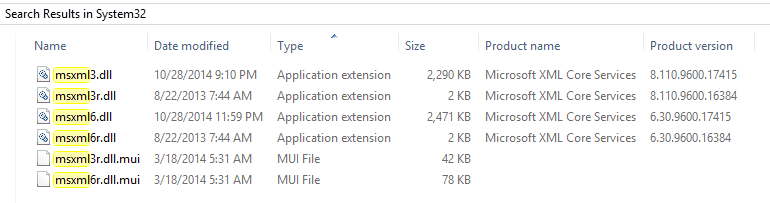
The second thing I noted in a different document, was that two configuration files were missing. This sounded like it might be the fix, but after reading the document, I don't think it is applicable to the LJ5000 issue in your computing environment.
Setup and install - general
HP Universal Print Driver v5.6.5 -
Missing Config Files
No action is recommended - there are a few more documents I want to read.
I'm also waitiign to see if the newer UPD helped any.
That's all I have at the moment.
Bill
.