- Local time
- 11:30 AM
- Messages
- 51
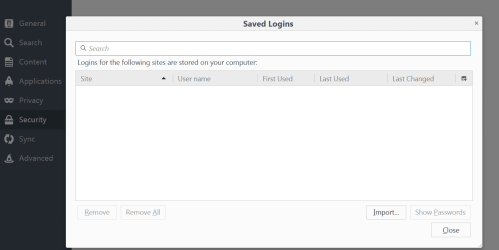
My Firefox browser is unwell. When logging into websites that I have used before, Firefox shows the username. A few days ago I forgot to move to the password field and keyed the password into the username field. This should not be a problem - highlight or right click on the text that is to be deleted, press delete, and it's gone.
For reasons that are unclear this is no longer possible. I do not know if it's due to a FF upgrade, a Win 7 upgrade, or a bug. I cannot find advice on the Mozilla website about how to fix this; all information I found is dated and refers to old versions.
So it may come down to delving deeper into Win 7 to edit or perhaps delete the file that remembers all the usernames. Advice to resolve this issue would be valued. Thanks.
For reasons that are unclear this is no longer possible. I do not know if it's due to a FF upgrade, a Win 7 upgrade, or a bug. I cannot find advice on the Mozilla website about how to fix this; all information I found is dated and refers to old versions.
So it may come down to delving deeper into Win 7 to edit or perhaps delete the file that remembers all the usernames. Advice to resolve this issue would be valued. Thanks.
My Computer
At a glance
Windows 7 Pro 64 bitDual core4 MBn/k
- Computer type
- PC/Desktop
- Computer Manufacturer/Model Number
- Dell Optiplex
- OS
- Windows 7 Pro 64 bit
- CPU
- Dual core
- Motherboard
- n/k
- Memory
- 4 MB
- Graphics Card(s)
- n/k
- Hard Drives
- 120 MB SSD
USB HDs for data
- Antivirus
- MSE
- Browser
- Firefox


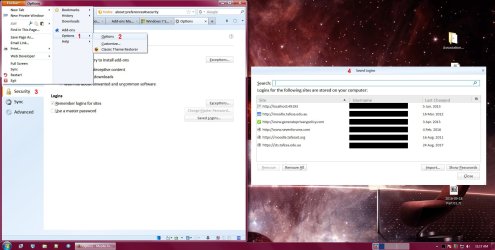

 rofiles.