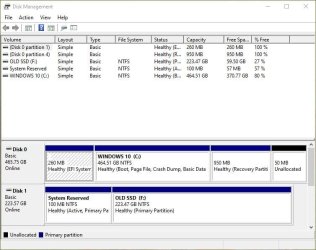
Do i right click here & delete volume ?
Yes i can see files.
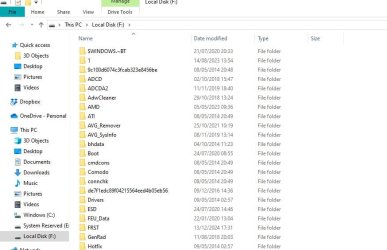
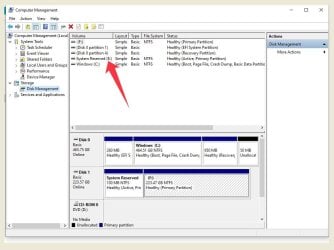
Yes i can see files.
My Computers
-
At a glance
WINDOWS 7 PRO 32 bit but can also use 64 bitAMD Athlon 64 X2 4200+ Brisbane 65nm Technology4 GbGeneric Non-PnP Monitor (1600x1200@60Hz) 1024...- Computer type
- PC/Desktop
- OS
- WINDOWS 7 PRO 32 bit but can also use 64 bit
- CPU
- AMD Athlon 64 X2 4200+ Brisbane 65nm Technology
- Motherboard
- FOXCONN A6VMX (Socket 940)
- Memory
- 4 Gb
- Graphics Card(s)
- Generic Non-PnP Monitor (1600x1200@60Hz) 1024MB ATI AMD Rade
- Sound Card
- AMD High Definition Audio Device
- Monitor(s) Displays
- TV but using as pc screen
- Screen Resolution
- 1600 x 1200
- Hard Drives
- KINGSTON SA400S37240G ATA Device (SSD)
- Antivirus
- Malwarebytes
- Browser
- Google Chrome
-
- Computer type
- PC/Desktop