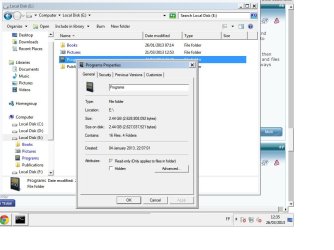
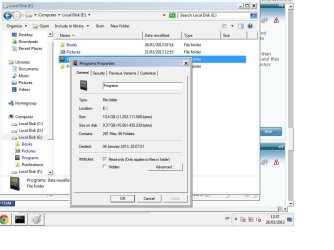
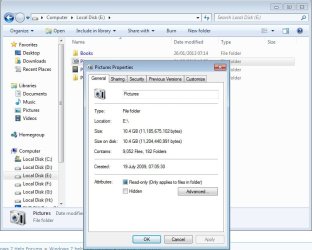
Also, it could be that Windows is using file junctions where one file is referenced from other place inside a folder and that file is physically not present in that folder but will add up when properties of the folder is viewed.
For instance, if I have a folder which contains one 5 MB file and another 5 MB file referenced from another folder, in this case though the folder is actually taking up only 5 MB physically, but properties dialog box will show 10 MB. If this is the case, you need not to worry about space.
Also do a malware scan.
Another thing I wanted to add, see, this is silly to ask, but did you right click the folder properly? What I mean is, when you try right clicking a folder in Windows 7, there is some possibility that the folder was not selected at all and you get the right click menu for the folder containing that folder. To ensure, left click on the folder first to select it, then right click on it. This is an irritating design bug in windows. Irritates me a lot. Right clicking over the name or icon of the folder selects it (you see blue selection box over the folder) but right clicking in an empty area (on the folder itself) doesn't select it, thus creating the problem.