
So I have no idea what I did in the last 10 min but for some reason my browser (chrome) isn't aligning the cursor with the context menus and youtube fullscreen is the top left corner of the entire video. I haven't changed my resolution, I have tried setting chrome settings back to default, I have tried changing the fonts and sizes of them (as well as the "CTRL + +/-" zoom) and I can't figure it out. Help anyone?
EDIT: Clicking on buttons align perfectly but the context menu, my cursor is about an inch to the right of it

EDIT2: Another picture showing the data transfer information in the middle left of the screen
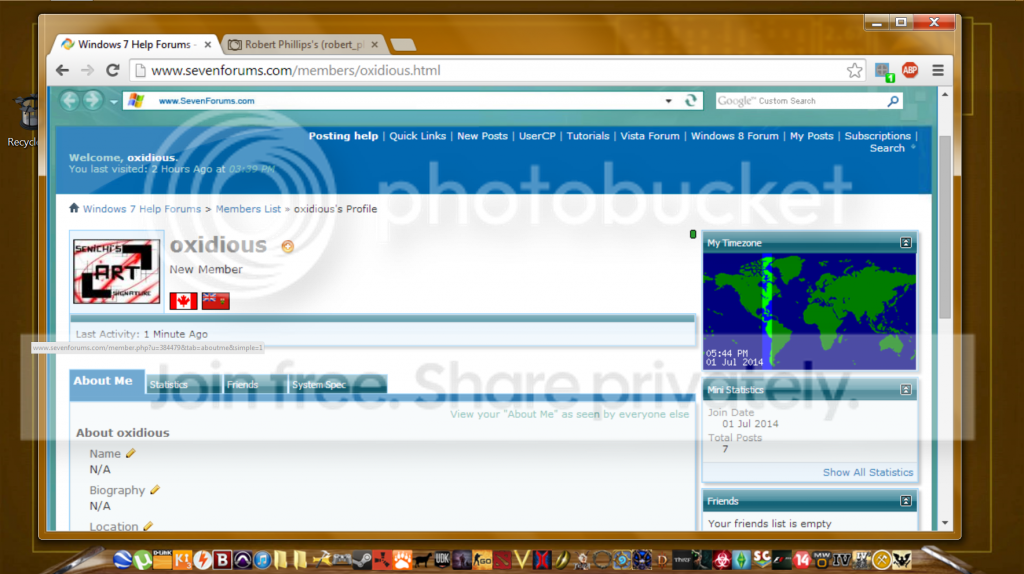
EDIT: Clicking on buttons align perfectly but the context menu, my cursor is about an inch to the right of it
EDIT2: Another picture showing the data transfer information in the middle left of the screen
My Computer
- Computer type
- PC/Desktop
- Computer Manufacturer/Model Number
- Custom Build
- OS
- Windows 7 Home Premium x64
- CPU
- AMD Phenom II
- Motherboard
- ASUS iROG Crosshair Formula 3
- Memory
- 8GB GSkill
- Graphics Card(s)
- EVGA GTS 240 GT
- Hard Drives
- 2 1.36TB HDD
- Antivirus
- Bitdefender Free
- Browser
- Google Chrome


