

Hello, everyone -
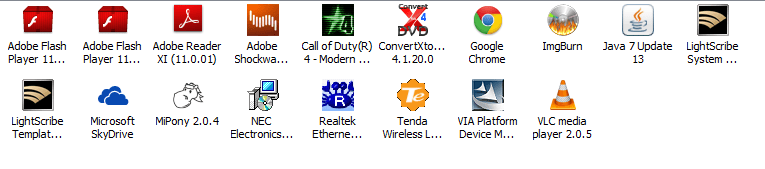
So I've been big on portable apps for the last couple of years. I have hardly anything installed and about 15 portable apps that I run off a secondary drive.
Lately, Chrome has been installing itself even after I uninstall it and I can't figure out why. It really ticks me off. The only thing I've changed in my behavior is that I now sign into Gmail with Chrome and finally bought an Android phone, installed Google Voice on the phone and sort of use Chrome to send stuff over to my phone as I learn Android.
I ran a Virus scan and MSE picked up nothing. Anyone has a suggestion on what to check for.
Best regards,
Eldin
So I've been big on portable apps for the last couple of years. I have hardly anything installed and about 15 portable apps that I run off a secondary drive.
Lately, Chrome has been installing itself even after I uninstall it and I can't figure out why. It really ticks me off. The only thing I've changed in my behavior is that I now sign into Gmail with Chrome and finally bought an Android phone, installed Google Voice on the phone and sort of use Chrome to send stuff over to my phone as I learn Android.
I ran a Virus scan and MSE picked up nothing. Anyone has a suggestion on what to check for.
Best regards,
Eldin
Attachments
My Computers
System One System Two
-
- Computer type
- PC/Desktop
- Computer Manufacturer/Model Number
- PowerSpec G164
- OS
- WIN10
- CPU
- AMD Ryzen 5 3600 6-Core Processor 3.59 GHz
- Memory
- 16.0 GB
- Internet Speed
- VERY FAST>>>!!!
-
- Antivirus
- ESET Security Premium

