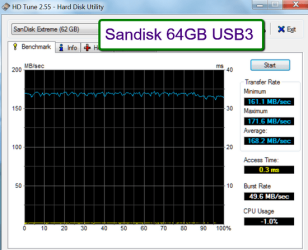
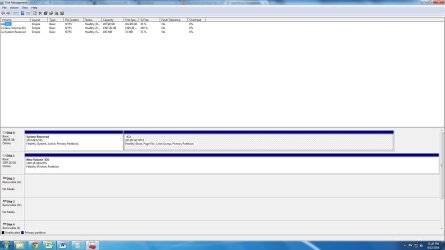
The USB Drive I have Windows 7 on I have used several times to do clean installs. I also already did it to my current Hitachi hard drive.
I have a key with the operating system code, it's a Dell sticker, Windows 7 Home Premium Key.
Does it say OEM on that sticker somewhere?
I'll have to take your word for it that it's a valid license and key and that you successfully installed AND ACTIVATED on your current hard drive.
Dells don't come with an installation disc as far as I know. Where did you get the files to put on the USB thumb drive?
If that sounds good I'll get the drive and
Amazon.com: SABRENT 3.5-Inch to SSD / 2.5-Inch HDD Bay Drives Converter (BK-HDDH): Electronics
That should work fine.
So based off the info I gave you, I could buy that, screw the hard drive into it, do a clean wipe on both my hd's, and then boot from a usb, install windows with the key I have. (I've done it a few times, and also wiped out hard drives using cmd and clean all before).
You've got the order wrong.
You should:
1: attach the SSD to the adapter.
2: mount the adapter and SSD in the drive bay.
3: remove or disconnect all of your other hard drives and any external stuff other than monitor, keyboard, and mouse.
4: connect the SSD to the right port on the motherboard and to your power supply
5: install Windows 7 to the SSD.
6: Fully update Windows 7 and satisfy yourself that the SSD is working OK. Probably run a benchmark and check a few settings like alignment and defragmentation status.
7: Then and only then start thinking about your old hard drives and other programs.
Am I missing anything?
I'd go to the motherboard manufacturer's web site and download the NIC (Ethernet) driver for Windows 7 for that particular motherboard model and put it on your USB stick. That driver should be installed by Windows 7, but I'd download it separately just in case I could not get an Internet connection going immediately after I installed Windows.