- Local time
- 7:56 AM
- Messages
- 69
My Computer
At a glance
32
- OS
- 32



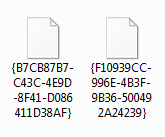

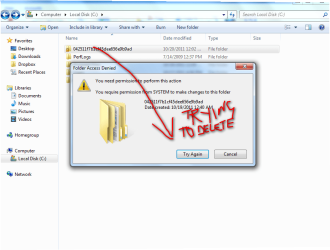
i thought i was admin anyway im lost , now ,Ok this is a permissions issue ....
as a user with administrator rights
for each folder in turn
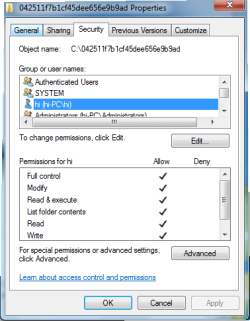
right click and select properties then the Security tab
click on advanced then the ownership tab
use the tab to change the ownership to your user name and OK back to the security tab
on the permissions area add your username to the list and give yourself full control, OK out of properties
you should now be able to work with the folders

aha worked a treat thanks so muchThis will do it for you. http://www.sevenforums.com/tutorials/1911-take-ownership-shortcut.html#post18494