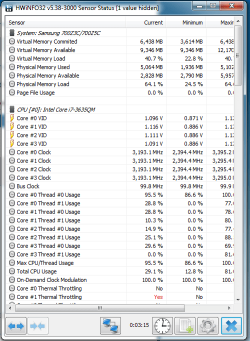
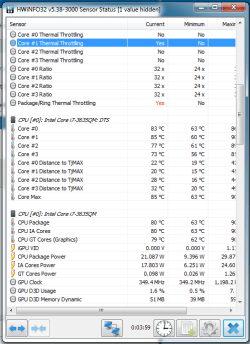
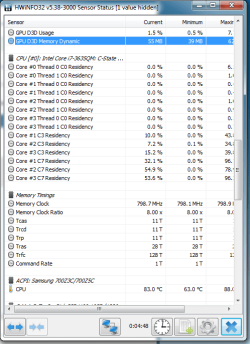
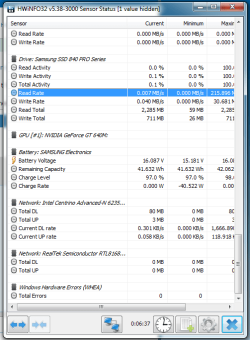
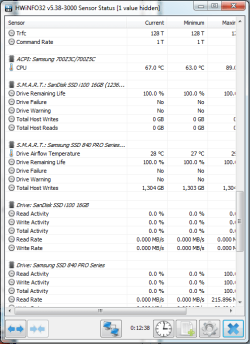
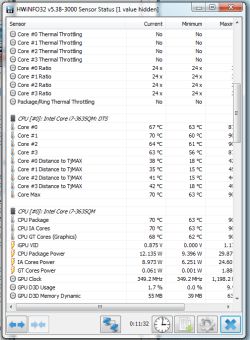
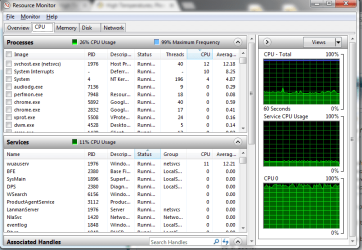
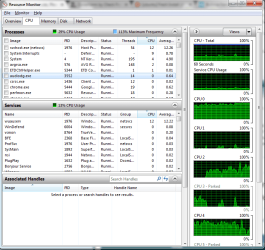
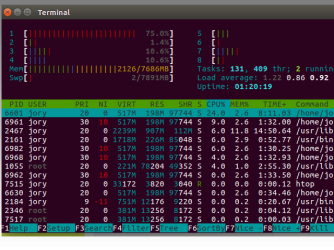
I have replaced the thermal paste on my laptop cpu/gpu. Until recently I had no issues with my laptop... Not sure what the issue could be, when I plug in my laptop it goes off the wall 90C in seconds, within a few minutes it starts freezing.
I found a pch ba62-00503A spot the last time I ripped it apart and saw I didn't change the thermal paste there but I don't think that is the issue, it's the actual CPU/GPU.
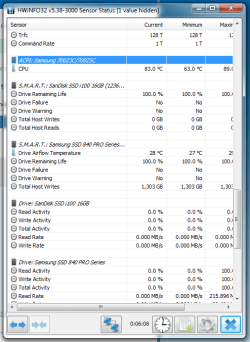
I took this summary basically at idle... Chrome with 6 tabs or so open, excel, speccy and notepad. Nothing intensive, used to do a lot more.
I found a pch ba62-00503A spot the last time I ripped it apart and saw I didn't change the thermal paste there but I don't think that is the issue, it's the actual CPU/GPU.
I took this summary basically at idle... Chrome with 6 tabs or so open, excel, speccy and notepad. Nothing intensive, used to do a lot more.
Summary
Operating System
Windows 7 Ultimate 64-bit SP1
CPU
Intel Core i7 3630QM @ 2.40GHz 74 °C
Ivy Bridge 22nm Technology
RAM
8.00GB Dual-Channel DDR3 (11-11-11-28)
Motherboard
SAMSUNG ELECTRONICS CO. LTD. NP700Z5C-S04CA (CPU Socket - U3E1) 76 °C
Graphics
Generic PnP Monitor (1600x900@60Hz)
Intel (Samsung)
1023MB NVIDIA GeForce GT 640M (Samsung) 78 °C
ForceWare version: 375.70
SLI Disabled
Storage
14GB SanDisk SSD i100 16GB ATA Device (SSD)
119GB Samsung SSD 840 PRO Series ATA Device (SSD) 30 °C
Optical Drives
TSSTcorp CDDVDW SU-B08AB ATA Device
Audio
Realtek High Definition Audio
My Computer
At a glance
7 Ultimate x64i7-3635QM8GBHD4000 & GT 640M
- Computer type
- Laptop
- Computer Manufacturer/Model Number
- Samsung 700Z5C
- OS
- 7 Ultimate x64
- CPU
- i7-3635QM
- Motherboard
- Samsung NP700Z5C-S04CA
- Memory
- 8GB
- Graphics Card(s)
- HD4000 & GT 640M
- Hard Drives
- Samsung SSD 840 Pro 120GB
- Antivirus
- N/A
- Browser
- Chrome/Firefox