HalloGARYween,
Registry file UsrClass.dat is loaded at HKU\s-1-5-21-*-1000_Classes is a tough issue, since it deals with Registry hives...:huh:
There may be an advisor here qualified to deal with this problem, so, will check around and let you know.
In the meantime, please do the following:
:info: Go to Start > All Programs > Accessories >
Command Prompt
Right-click the Command Prompt and select:
Run as Administrator
After the prompt to the right of C:\Windows\System32
>
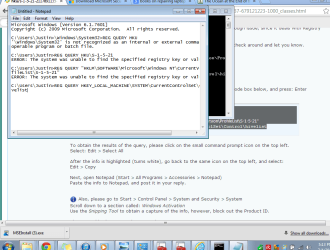
Copy and then paste all of the following commands contained inside the code box below, and press: Enter
Code:
[FONT=Segoe UI]REG QUERY HKU
REG QUERY HKU\S-1-5-21[/FONT]
[FONT=Segoe UI]REG QUERY "HKLM\SOFTWARE\Microsoft\Windows NT\CurrentVersion\ProfileList\S-1-5-21"[/FONT]
REG QUERY HKEY_LOCAL_MACHINE\SYSTEM\CurrentControlSet\Control\hivelist
To obtain the results of the query, please click on the small command prompt icon on the top left.
Select: Edit > Select All
After the info is highlighted (turns white), go back to the same icon on the top left, and select:
Edit > Copy
Next, open Notepad (Start > All Programs > Accessories > Notepad)
Paste the info to Notepad, and post it in your reply.
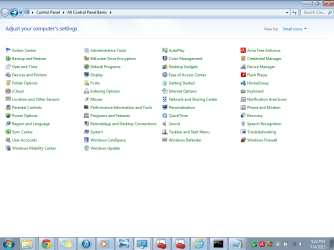
:info: Also, please go to Start > Control Panel > System and Security > System
Scroll down to a section called:
Windows Activation
Use the
Snipping Tool to obtain a capture of the info, however, block out the Product ID.
Please provide the capture in your reply.
Thanks!