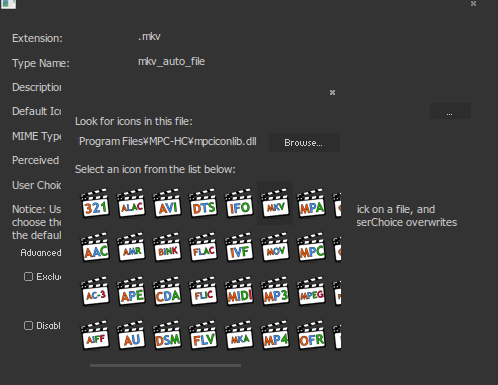
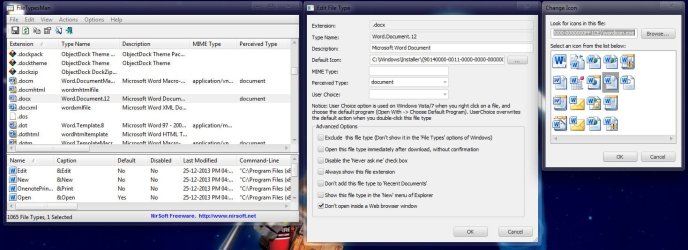
Hello, so I have tried to change the Adobe reader's file extension - .pdf and its icon to a custom one, but there is no 'folder options' tab in win7 to do that. I followed the tutorial here http://www.sevenforums.com/tutorials/57455-file-extension-icon-change-default-icon.html and also tried using the program Filestypeman to change the icon but both had no effect even with the correct path.
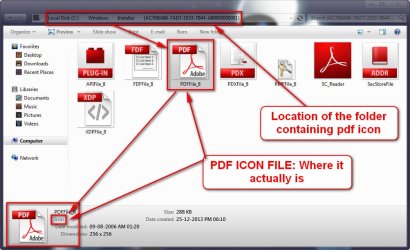
I have managed to locate what I believe are the icons for these darn .pdf files at:
C:\Program Files (x86)\Adobe\Reader 10.0\Reader\AcroRd32dll (and inside icongroup>2)
Any suggestions?
I have managed to locate what I believe are the icons for these darn .pdf files at:
C:\Program Files (x86)\Adobe\Reader 10.0\Reader\AcroRd32dll (and inside icongroup>2)
Any suggestions?
My Computer
At a glance
Windows 7 Home Premium 64bit
- Computer type
- Laptop
- Computer Manufacturer/Model Number
- HP
- OS
- Windows 7 Home Premium 64bit
- Internet Speed
- Slowmo
- Antivirus
- Avast Antivirus
- Browser
- Chrome


 I figured out that Filestypeman did work it was just the icon I was using didn't support the right size. Thanks for the help anyway!