My Computer
At a glance
win7pro 64bit
- Computer type
- PC/Desktop
- OS
- win7pro 64bit


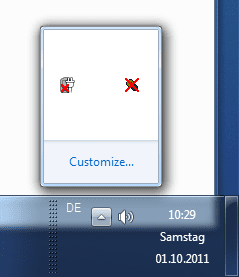
Occasionally it happens that most of my SysTray icons disappear resp. are hidden.
How can I let them re-appear (beside re-boot my 64bit Win7) system?

 I found a way to "mirror" (backup-copy) the long grey bar taskbar icons, thus giving me the easy way to bring them back onto that area, but, not the notification icons.
When notification icons misbehave, that's not an easy area of Windows to fix, unless somebody invented a way to do so
I have not found any easy for that area.
If Windows notification "engine" is broken, the above way not work....Back to Systray icons: I control them here:
Control Panel\All Control Panel Items\Notification Area Icons
If Windows notification "engine" is broken, the above way not work.
if Notification Icons Area is broken, there are solutions.


