- Local time
- 8:46 AM
- Messages
- 529
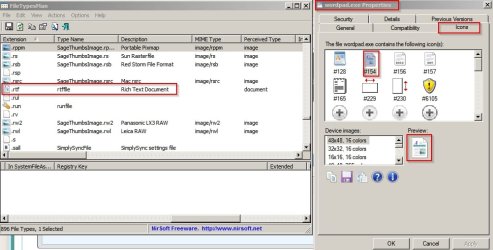
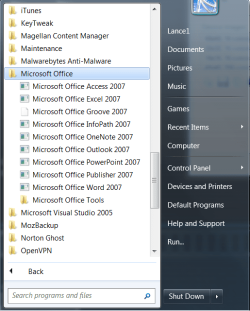
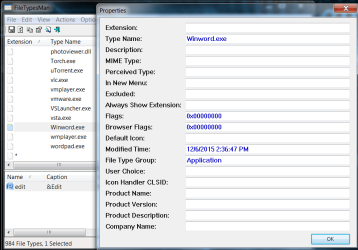
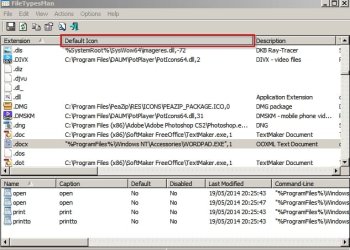
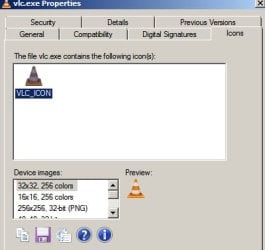
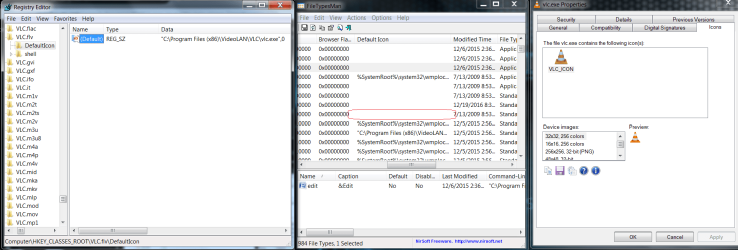
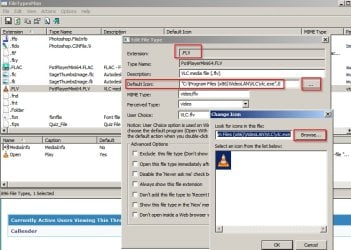
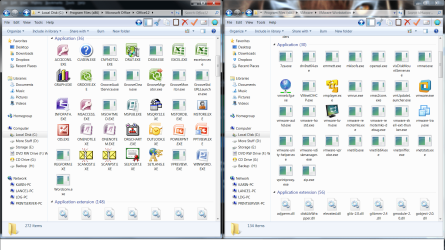
This has been bugging me for awhile. A number of application icons are not displaying. ["Not Shortcut Icons"] I tried Brink's Icon Cache - Rebuild Suggestions with no success. I tried setting file association, also a no go. Here's a screenshot of two applications with this issue but its all over. Any suggestions?
Attachments

My Computer
- Computer type
- PC/Desktop
- Computer Manufacturer/Model Number
- Custom Built By Me.
- OS
- Windows 10 Pro 64 bit
- CPU
- AMD FX 9590 8 Core Black Edition
- Motherboard
- MSI 990FXA GAMING (MS-7893)
- Memory
- Corsair Vengeance 16GB DDR3
- Graphics Card(s)
- AMD Radeon (TM) R9 380 Gaming Series
- Sound Card
- AMD High Definition
- Monitor(s) Displays
- Samsung 32" 60Hz 4ms Curved PLS LED
- Screen Resolution
- 1920 X 1080
- Hard Drives
- C: 223 GB SSD = E: 465 GB HDD = F: 931 GB HDD = G: 149 GB HDD = H: 931 GB HDD
- PSU
- EVGA Supernova NEX750B 750W ATX EPS12V 80PLUS Bronze
- Case
- Cool Master
- Cooling
- Noctua NH-D15 Premium Cooler with 2x NF-A15 PWM 140mm Fan
- Internet Speed
- Fiber Optic: Download 332.7 Mbps / Upload 331.5 Mbps
- Antivirus
- Windows Defender
- Browser
- Slimjet (64bit)