hi every one
i'm sorry if my topic is not in the wright department
and sorry again
my Problem is
i have tow hard disc and need ti instal 2 windows copy
in ech one of them
but the big problem is
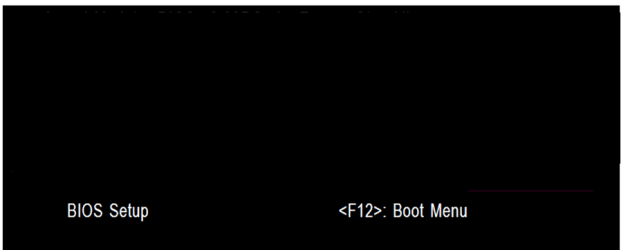
i want when the pc startup founde in bios screen
2 choice
1st : xp
2nd : 7
and choose what i want to log in
this problem is making me soooooo crazy for 3 days and
and
finally i found a solution for it
but it is so poor
i remove one hard disc and instal the windows
and did the same for the second hard disc
but cause Moore time and hard to start my work
soo plzzzzzz
i just need someone help me and be Patient with me
your's
KOORY
i'm sorry if my topic is not in the wright department
and sorry again
my Problem is
i have tow hard disc and need ti instal 2 windows copy
in ech one of them
but the big problem is
i want when the pc startup founde in bios screen
2 choice
1st : xp
2nd : 7
and choose what i want to log in
this problem is making me soooooo crazy for 3 days
andfinally i found a solution for it
but it is so poor
i remove one hard disc and instal the windows
and did the same for the second hard disc
but cause Moore time and hard to start my work
soo plzzzzzz
i just need someone help me and be Patient with me
your's
KOORY
My Computer
At a glance
Windows 7 Ultimate Edition SP2 (Build 7600) (...AMD Phenom 8450 Triple-Core ProcessorKingston ( 4096 MB DDR2 Single Channel )ATI Radeon HD 3200 Graphics ( Core 497 MHz / ...
- OS
- Windows 7 Ultimate Edition SP2 (Build 7600) ( 32 Bit )
- CPU
- AMD Phenom 8450 Triple-Core Processor
- Motherboard
- Gigabyte ( GA-MA78G-DS3H )
- Memory
- Kingston ( 4096 MB DDR2 Single Channel )
- Graphics Card(s)
- ATI Radeon HD 3200 Graphics ( Core 497 MHz / RAM 400 MHz )
- Sound Card
- Realtek HD
- Monitor(s) Displays
- Benq V773
- Hard Drives
- A: WD 5000 GB
B : WD 160 GB
- Case
- GAMA A36


 maaaaaaaaany thanks to u my friend