- Local time
- 1:11 AM
- Messages
- 23
Actually Win7 can also be installed to UEFI (Unified Extensible Firmware Interface) - Install Windows 7 with - Windows 7 Forums.'
But a Win8 PC not only has UEFI but also Secure Boot.
So to install Win7 you must at least turn off Secure Boot in BIOS setup, then either install to UEFI per above tutorial or Bypass UEFI to Install WIn7 to a normal MBR hard drive you've wiped to clear the GPT formatting.
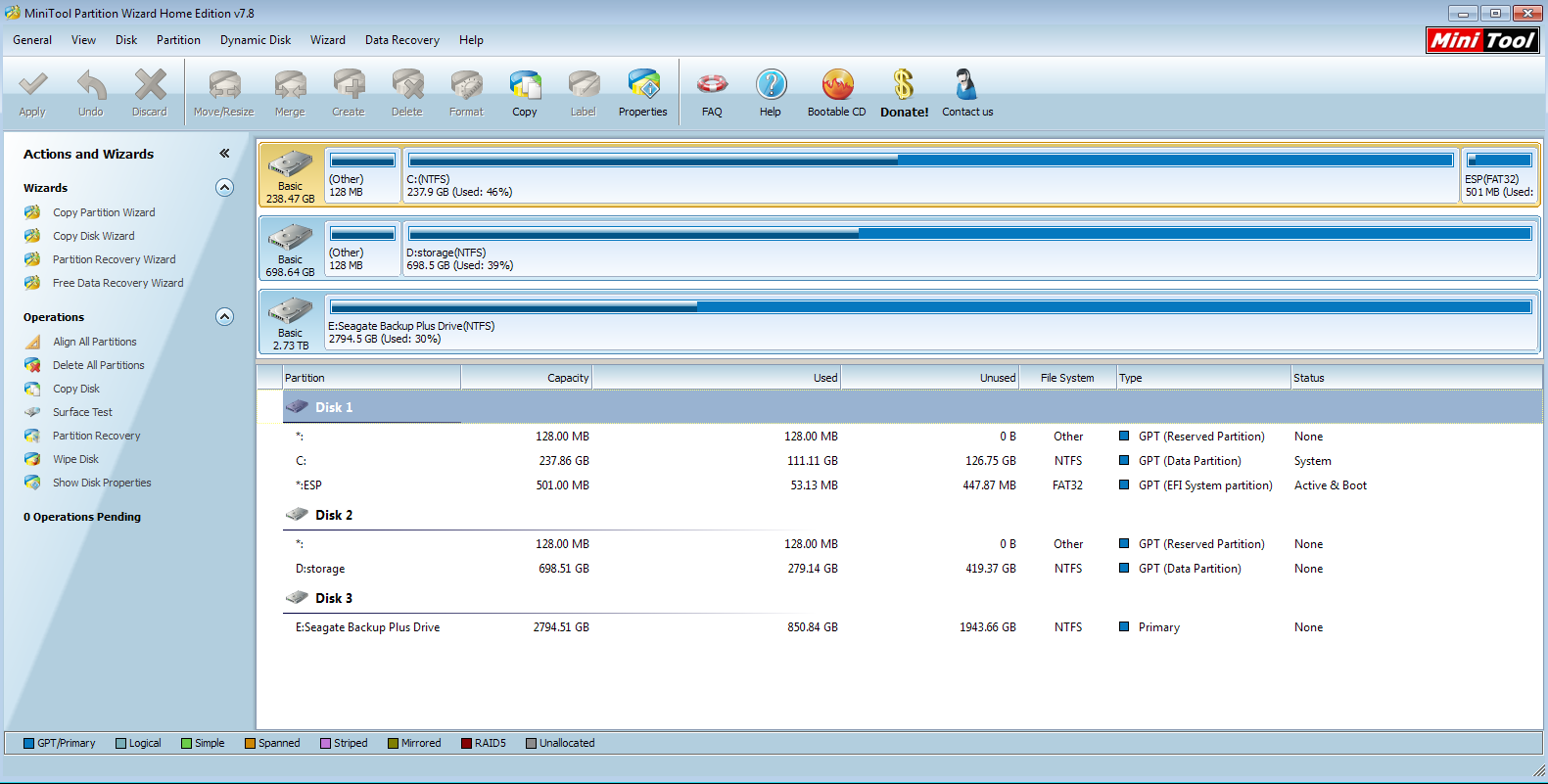
In this case if you say that copying to the HD the EFI System partition allows it to boot then it is likely UEFI but still seems unusual since that normally requires two special partitions as such.
You can confirm that the disk is a GPT disk if you right click on the disk # in Disk Mgmt and it has Convert to MBR Disk now. (See screenshot below)


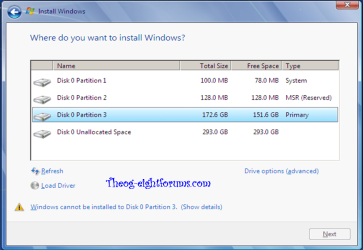
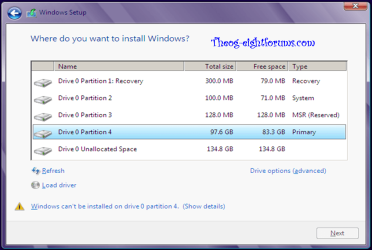
So I do recall having to disable secure boot. I also remember having a problem allowing partitions during the Windows 7 Install process (manual) to let Windows get installed to them. I would see the yellow warning symbol saying I can't install. I was booting up via Legacy DVD mode, but once I booted via UEFI dvd mode, then it worked.
It's interesting, I never saw a "Convert to MBR" option when right clicking (the new or the old). I do remember I attempted, prior to installing Windows 7, of using the command prompt on the Windows DVD and tried to convert to MBR..and it gave me an error saying it couldn't do it.
When I tried last night to select my SSD disk, then select the partition and choose "ACTIVE" via the cmd prompt, it gave me the error that a GPT partition cannot be set to active.
So maybe I have a real unusual fringe case here that just happens to be working for some odd reason.
My Computer
At a glance
Windows 7 Ultimate x64i516gb
- Computer type
- PC/Desktop
- Computer Manufacturer/Model Number
- Dell Inspiron 15R SE
- OS
- Windows 7 Ultimate x64
- CPU
- i5
- Memory
- 16gb
- Hard Drives
- 256gb mSata SSD Crucial
750gb Western Digital