- Local time
- 5:14 AM
- Messages
- 50,634
Worth a try. I did.


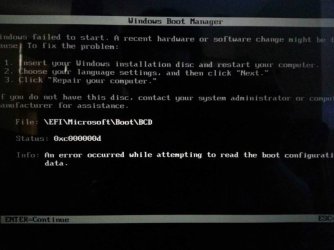
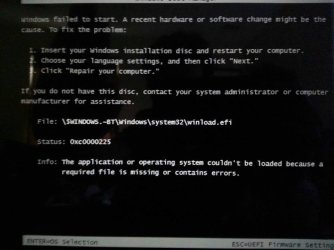
Then I hit enter to continue and this pops up and is followed be another error message
2) Bad installer.
3) Secure Boot is ENABLED.
4) Try booting the Windows 7 x64 DVD to install.
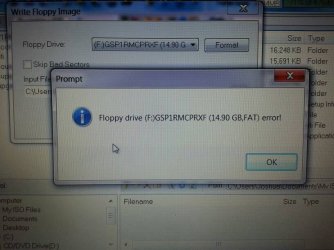
Did you try UltraISO using the Format button first as shown in tutorial? It always works, so if not its something else besides stick formatting. And if you have the file edit correct as it appears then How about trying another flash stick?
Wipe the stick first with Diskpart Clean All Command to clear its boot sector and all code.
The second time I made the flash drive I didn't move the boot folder I created a boot folder in th UEFI folder with the microsoft folder and I then put the bootx64.efi file in it. Then I ejected the flash drive and plugged it into the windows 8 laptop I then tried to boot the computer and bam same error. I have tried to search for this file online but have had little success