endosmoke
New member
- Local time
- 2:37 PM
- Messages
- 5
Hey guys, My windows7 dont really want to cooperate with me right now.
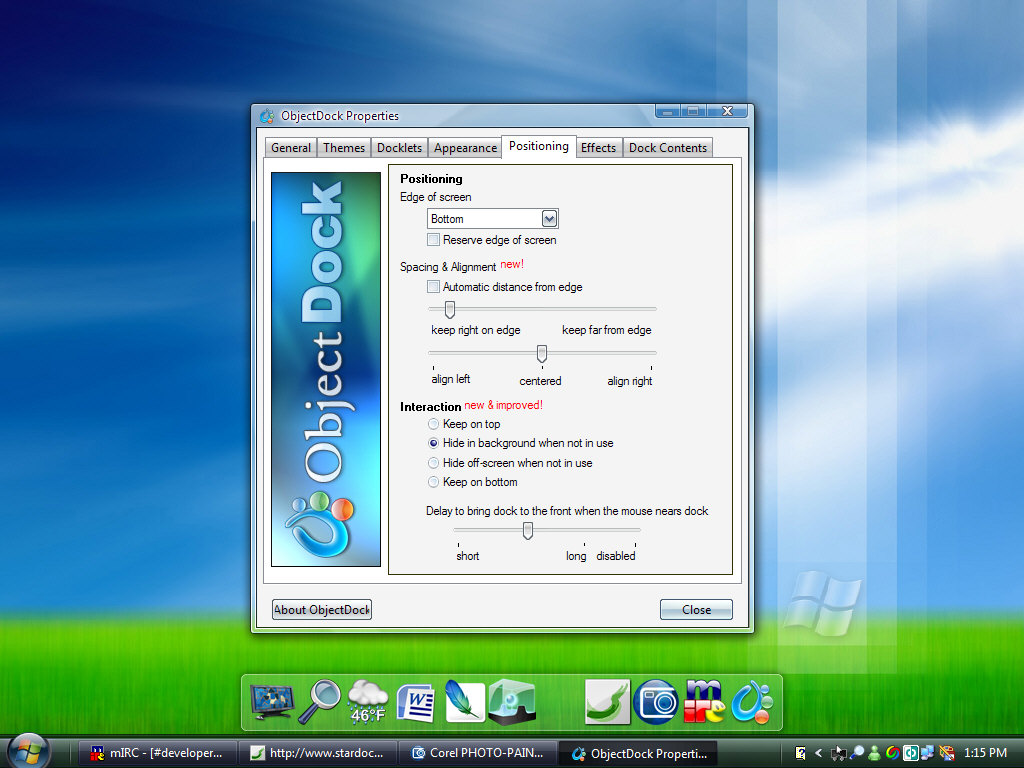
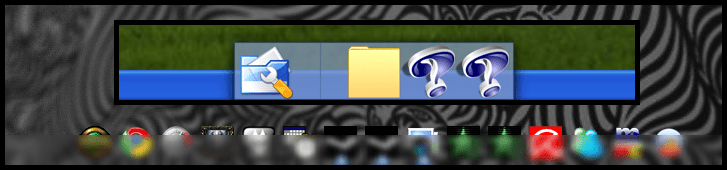
I'll show you with some pictures.
This is how I want it, with my rocketdock on top of my taskbar.

But when I open my startmenu the taskbar will go on top of rocketdock even though I have selected always on top in rocketdocks settings.

So now I'd like to know if it's possible to keep the taskbar at the bottom?
EDIT: So... I tried to deactivate the "always on top" thingy for the taskbar, but that is even more annoying when for example my browser is overlaping it and I get the dock icons in the bottom of the browser. I want the taskbar fully visible with the dock on top of it.
So how can I force rocketdock to always stay on top of the taskbar without any visible changes?
I'll show you with some pictures.
This is how I want it, with my rocketdock on top of my taskbar.
But when I open my startmenu the taskbar will go on top of rocketdock even though I have selected always on top in rocketdocks settings.
So now I'd like to know if it's possible to keep the taskbar at the bottom?
EDIT: So... I tried to deactivate the "always on top" thingy for the taskbar, but that is even more annoying when for example my browser is overlaping it and I get the dock icons in the bottom of the browser. I want the taskbar fully visible with the dock on top of it.
So how can I force rocketdock to always stay on top of the taskbar without any visible changes?
Last edited:
My Computer
- OS
- Windows 7
- CPU
- AMD Phenom 9850 black edition @ 2.7GHz
- Motherboard
- Asus M3A
- Memory
- Corsair Dominator 2x2GB 1066MHz
- Graphics Card(s)
- Nvidia GeForce 8800GTS 512MB
- Monitor(s) Displays
- Samsung T220
- Screen Resolution
- 1680x1050 (1024x768@75hz when playing counter-strike)
- Hard Drives
- Samung Spinpoint 500GB+250GB
- PSU
- Corsair 550W
- Case
- Antec P182
- Cooling
- CPU: TRUE w/ 2 120mm Nexus fans.
- Keyboard
- Saitek Eclipse II
- Mouse
- Logitech mx518 / Steelseries Ikari
- Internet Speed
- 24mbit
- Other Info
- Mousepad: Steelseries Qck Heavy