The next episode

.
As already told you will now zero all the wrongly written GPT structure data in sector 0, 1, 2, n, and n-32.
Here is how.
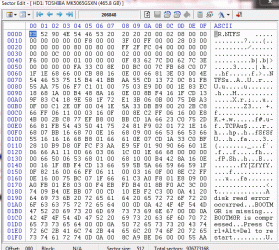
Using bootice go to sector 0 on your faulty drive.
CAUTION: Make doubly sure you have selected the correct faulty 500GB drive. If you wrongly do this zeroing on your system drive your PC will become unbootable. ( By default bootice will show the USB drive but that is no reason to throw caution to the winds. During these procedures also make sure that you have no other USB storage device plugged in to avoid accidental zeroing on those)
On sector 0 drag your mouse pointer from top left corner to the bottom left corner to select all fields. All filds shoud turn blue.

Click on the Fill selected block icon and in the ensuing Fill Char Window, make sure 0x00 is selected and click on OK.
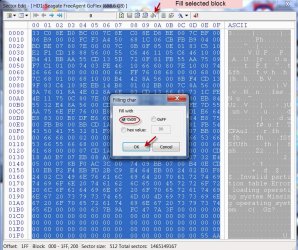
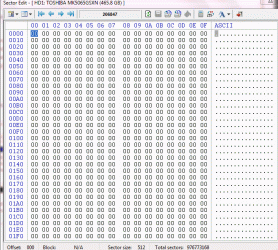
All fields will turn into 00. Click on the Save changes icon to write it to the HDD. Done. You have effectively overwritten the Protective MBR with 00s making it ready to receive the real MBR code and the partition table.
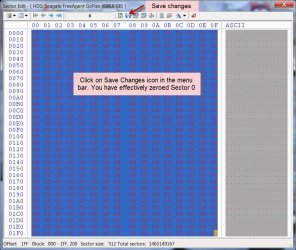
Now repeat this zeroing on sector 1, 2 , n ( in your case the last sector 976773167) and n-32 ( in your case sector 976773135). Make sure you click on Save changes button to write 00s to each of these sectors..
Close bootice completely and then rerun it again afresh, select your faulty drive and check that sector 0, 1, 2, n and n-32 are all zeros.
NOTE: Do not zero sector 2048. That is the original Partition Boot Record and we want to retain it.
Close bootice, safely remove your 500 GB external drive.
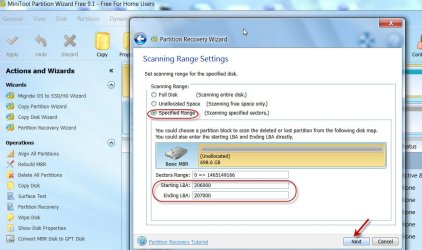
If you haven't already installed, download and install MiniTool Partition Wizard Free edition 9.1
https://www.partitionwizard.com/free-partition-manager.html
Confirm that you have completed all this and then we shall proceed to the next and perhaps final episode of restoring your HDD. ( As with all Partition Recovery/Data Recovery efforts, I am keeping my fingers croseed as between the cup and the lip there can be many a slip

)


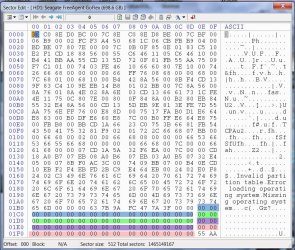

 Can't kill the program in process explorer, can't eject drive. I have to reboot.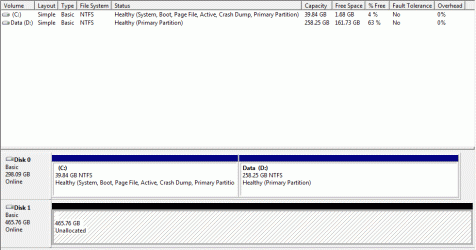
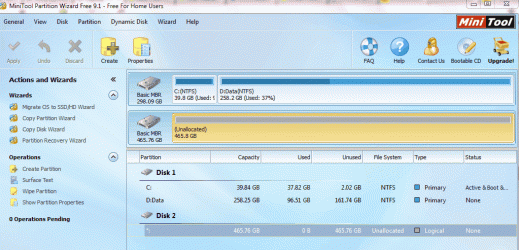
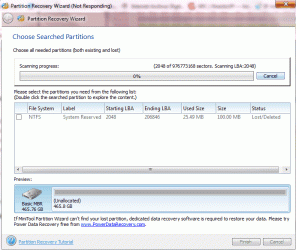
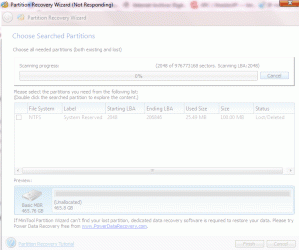
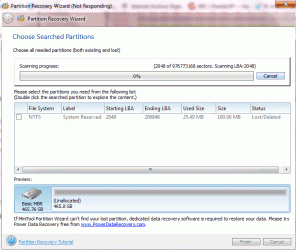
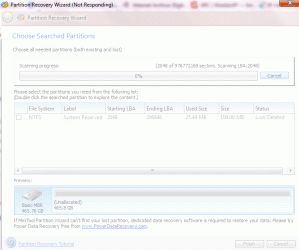
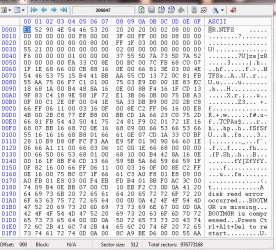
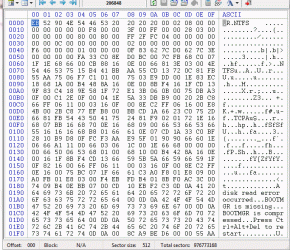
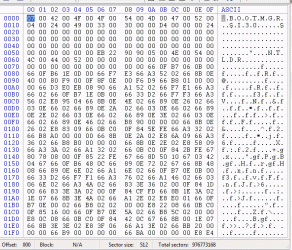

 You want me to save 206847 as 2 and then zero out 2. I cannot save 206847 as 2 as there are no Save AS function. I can only zero out 206847 but I do not see a menu action to save as sector to 2???

 So Imoved the drive without disconnecting it and sound the sound of connection came on and everthing showed up nomraly in taskbar, devices and admin storage panel. Bootice then worked normally so I retook the screen shots but afraid it might be on its last legs.