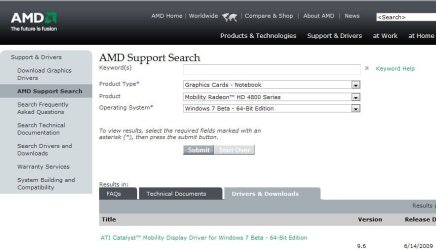
ati mobility 4650 HD on sony vaio vgn-fw465
can you give us the specific Hardware ID's?
try editing the inf file (Packages\Drivers\Display\W76A_INF\) and removing the &subsys string from your cards entry
so instead of
"ATI Radeon HD 4650" = ati2mtag_R7X, PCI\VEN_1002&DEV_9498&SUBSYS_24511682
it looks like
"ATI Radeon HD 4650" = ati2mtag_R7X, PCI\VEN_1002&DEV_9498
then try installing manually thru device manager
another user had similar problem with a 2900XT
im guessing its a another DEV ID...
while i do not encourage this as this is not really ideal if you want to can delete the DEV portion and leave it as
"PCI\VEN_1002", this way any hardware with the same VEN id can be recognized as a HD 4650...
like i said i do not recommend this and would be just better to post your hardware ids and custom make a inf string matching your card
ya sony just updated their models, any clue on the installation of mobility drivers 9.7 specifically on windows 7 x64? Mobility modder does not work with my card
yep thats to be expected as this is pretty new...
9.7 has not been officially released so that is the answer to that question
Yeah, updating laptop gfx drivers on a laptop is an f-in joke if the manufacturer doesnt make one every month (for the update)...I have a few expencive laptops from IBM..shouldnt haveto "mod" things to get them updated!!

unless you are lucky and have a OEM that overlooked and did not see this...

my hd3200 was overlooked (which is the only reason i can see (while a IGP i know..

)..

) as i see alot of people fighting with drivers not installing...
It stinks alright! I have managed to get things updated on a friend's Toshiba Vista laptop however. At least that one is running premium for the time being. That's strictly used for internet without any heavy gaming however.
you can have it worse though,
having a driver that installs but gives you errors until you uninstall it...



 )
)