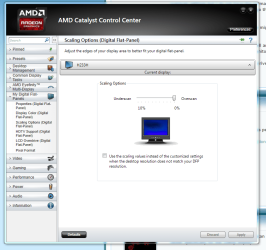
My darling son wanted to be helpful and decided to clean off my desk for me... and proceed to spray windex directly onto my monitors and wipe them with a dish cloth 
The following occurred:
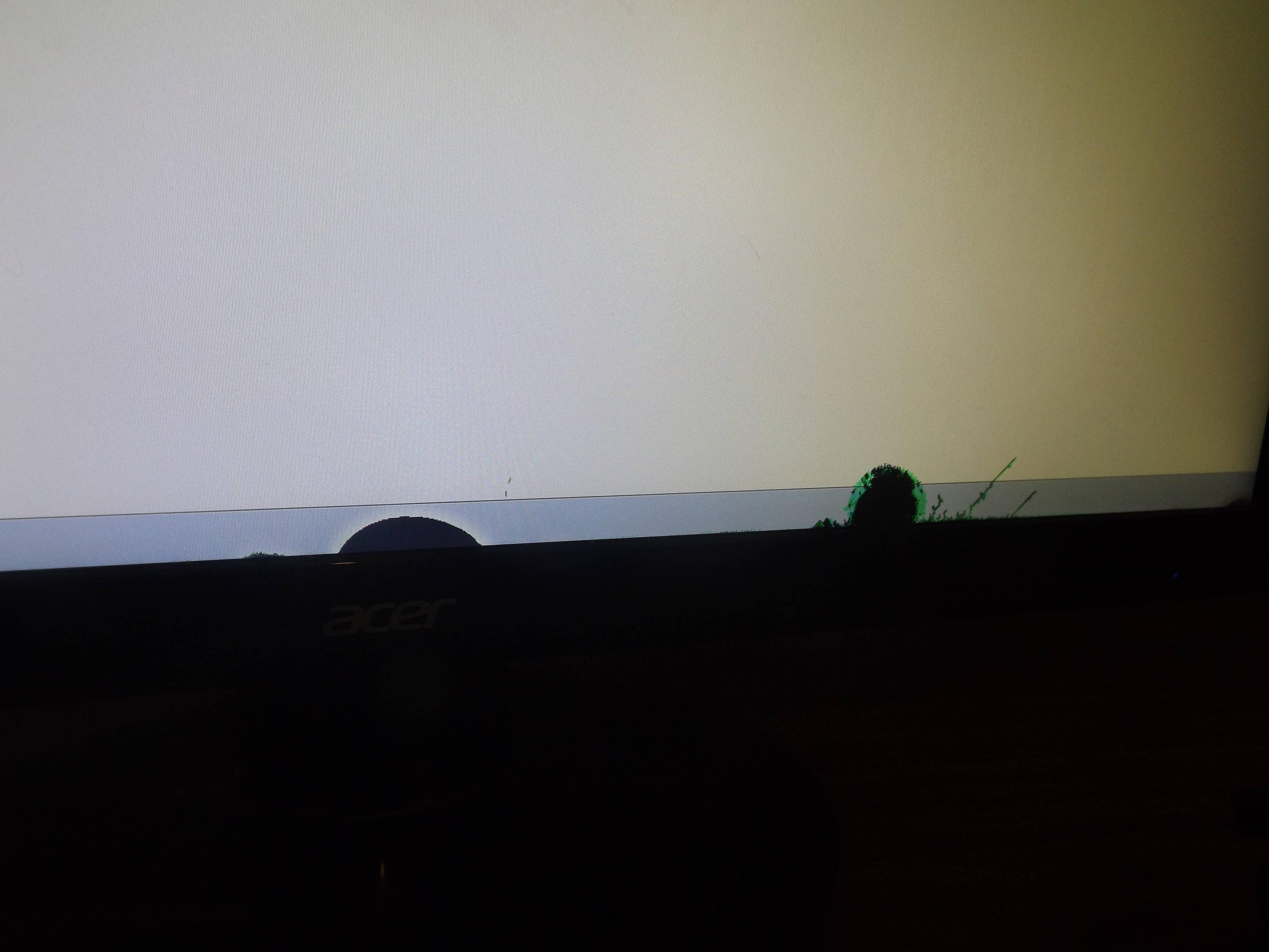
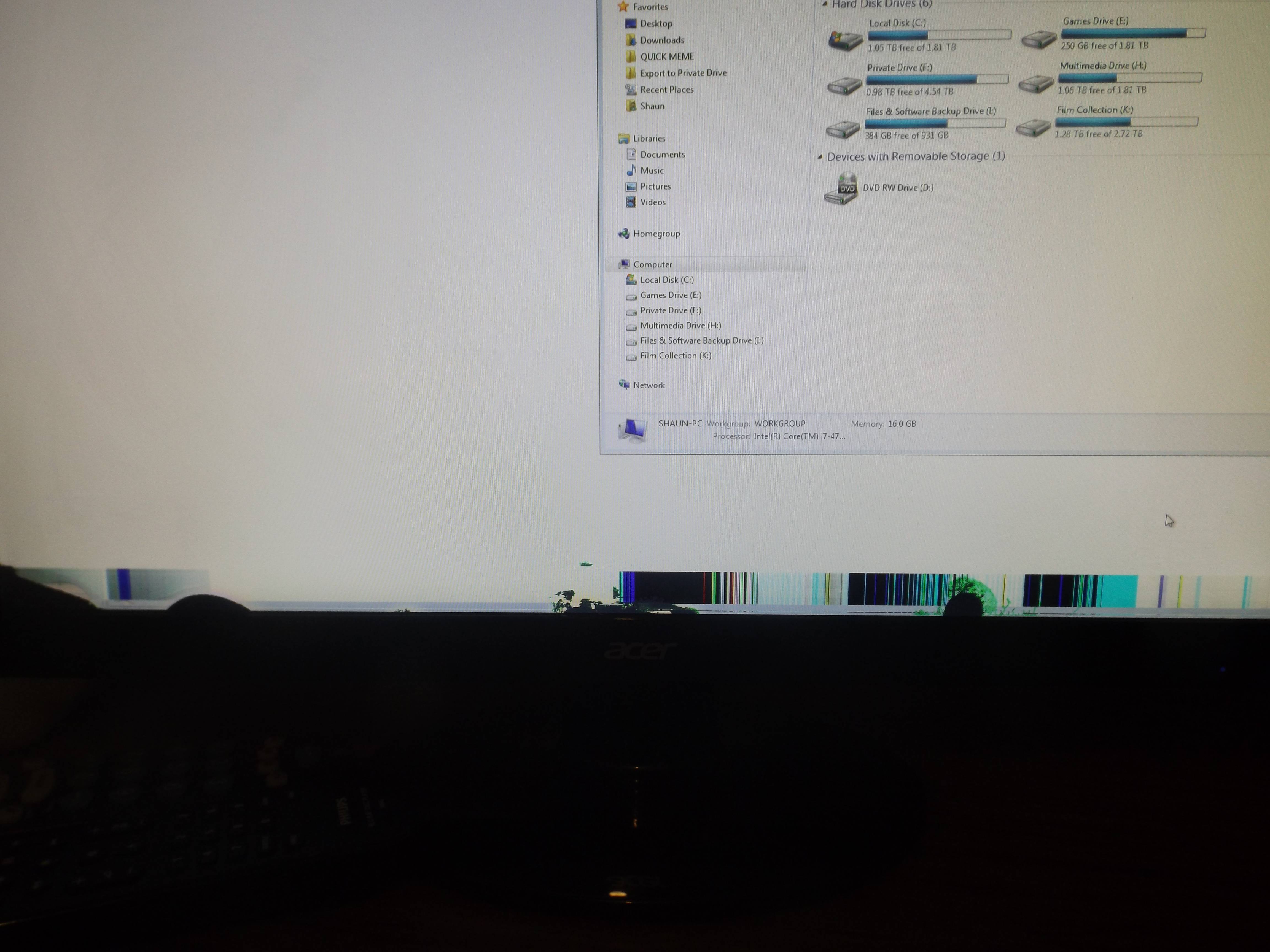
So it's quite obvious I need a new monitor, there's no fixing that I'm afraid, I'm not sure if it's water damage or he pressed too hard but the damage seems so far to be isolated to the bottom edge of the monitor. I will be replacing it when I can afford it but that could be several weeks/months away with my current budget.
I was curious if there's a way I can just change the positioning of the monitor so that the bottom damaged portion is below where the actual displayed portion is? I tried to do this by adjusting the settings on the OSD (On-screen Display) and it has Vertical and Horizontal Positioning but using the arrow keys it just completely skips over it and doesn't let me alter those settings even though they are present there. It does the same on my second monitor (they are both identical models). This is on an Acer 220HQL Monitor, I even looked at documentation but it doesn't say anywhere how to actually change the positioning of the monitor image (they are both plugged in through DVI)
Does anyone know how either I can unlock the positioning on the actual monitor OSD or if there's another workaround on the graphics driver side I can try?
Also if anyone is at all familiar with this kind of monitor damage, will it the damaged part remain constant or should I expect it to potentially spread or wander to other parts of the screen?
The following occurred:
So it's quite obvious I need a new monitor, there's no fixing that I'm afraid, I'm not sure if it's water damage or he pressed too hard but the damage seems so far to be isolated to the bottom edge of the monitor. I will be replacing it when I can afford it but that could be several weeks/months away with my current budget.
I was curious if there's a way I can just change the positioning of the monitor so that the bottom damaged portion is below where the actual displayed portion is? I tried to do this by adjusting the settings on the OSD (On-screen Display) and it has Vertical and Horizontal Positioning but using the arrow keys it just completely skips over it and doesn't let me alter those settings even though they are present there. It does the same on my second monitor (they are both identical models). This is on an Acer 220HQL Monitor, I even looked at documentation but it doesn't say anywhere how to actually change the positioning of the monitor image (they are both plugged in through DVI)
Does anyone know how either I can unlock the positioning on the actual monitor OSD or if there's another workaround on the graphics driver side I can try?
Also if anyone is at all familiar with this kind of monitor damage, will it the damaged part remain constant or should I expect it to potentially spread or wander to other parts of the screen?
My Computer
At a glance
Windows 7 Professional 64BitIntel i7 4790k16GBGeForce GTX 970
- Computer type
- PC/Desktop
- Computer Manufacturer/Model Number
- Custom Build
- OS
- Windows 7 Professional 64Bit
- CPU
- Intel i7 4790k
- Motherboard
- ASUS Hero VII Maximus
- Memory
- 16GB
- Graphics Card(s)
- GeForce GTX 970
- PSU
- 750 Watt
- Internet Speed
- Cable @ 1.0 MPBS
- Antivirus
- Norton 360
- Browser
- Firefox