
pieslapper
New member
- Local time
- 5:39 AM
- Messages
- 2
My media center loses its video library. I have video library set up to access files on another computer on the network. This has worked fine for 8 months, but now when accessing the video library it will load ok, folders show up, I start watching a video, finish then go to start another and all the folders have disappeared. I can restart media center with no effect, nothing shows in the library, or restart the machine and it will work as above for a short time then lose it again. All files and folders appear fine and will play if accessed outside media center through explorer, etc. I have tried removing and re adding media libraries, running through the whole media center setup again all to no avail. I hate to reinstall windows but don't see any other option. Again, only seems to be a media center issue, Boxee or XBMC have no problems, nor does straight access through explorer.
Any ideas?
Win 7 ultimate 32 bit
Any ideas?
Win 7 ultimate 32 bit
My Computer
- OS
- Win 7 Ultimate 32 & 64

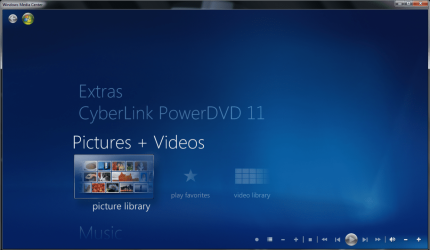
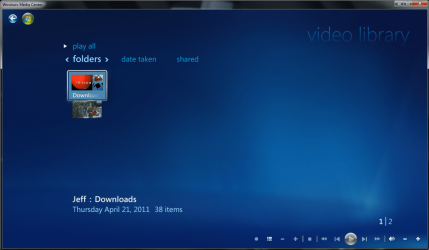
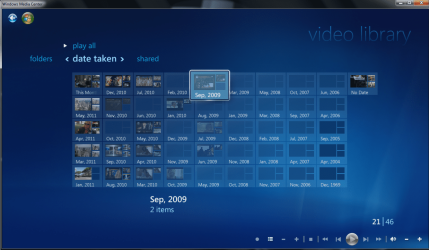


 Anyhow, with a perfectly clean HD and install completed, it was time to set up WMC and start choosing libraries to add. After doing so with great care and double checking everything, I completed the task & rebooted just to be safe. Once booted up, I launched WMC. SAME *#@%$& PROBLEM!!!


