Hello there,
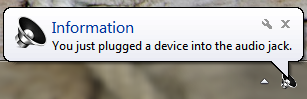
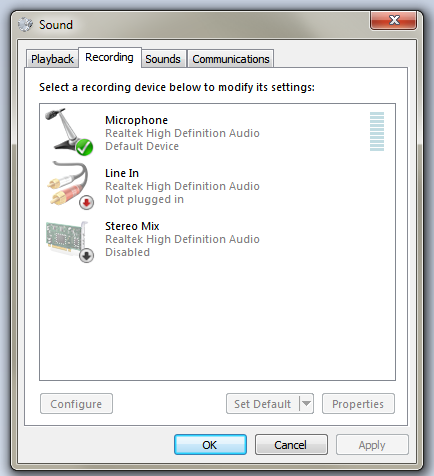
I have a headset with microphone and I use 3.5 mm cables in the rear jacks of my PC. Audio OUT is working fine, but audio IN is not working anymore (the pink slot). I tried the microphone in my cellphone and the sound works. When I plug in my microphone cable, the PC detects it, but no sound is recorded. I tried uninstalling all the sound drivers and rebooting to no avail. It was working before.
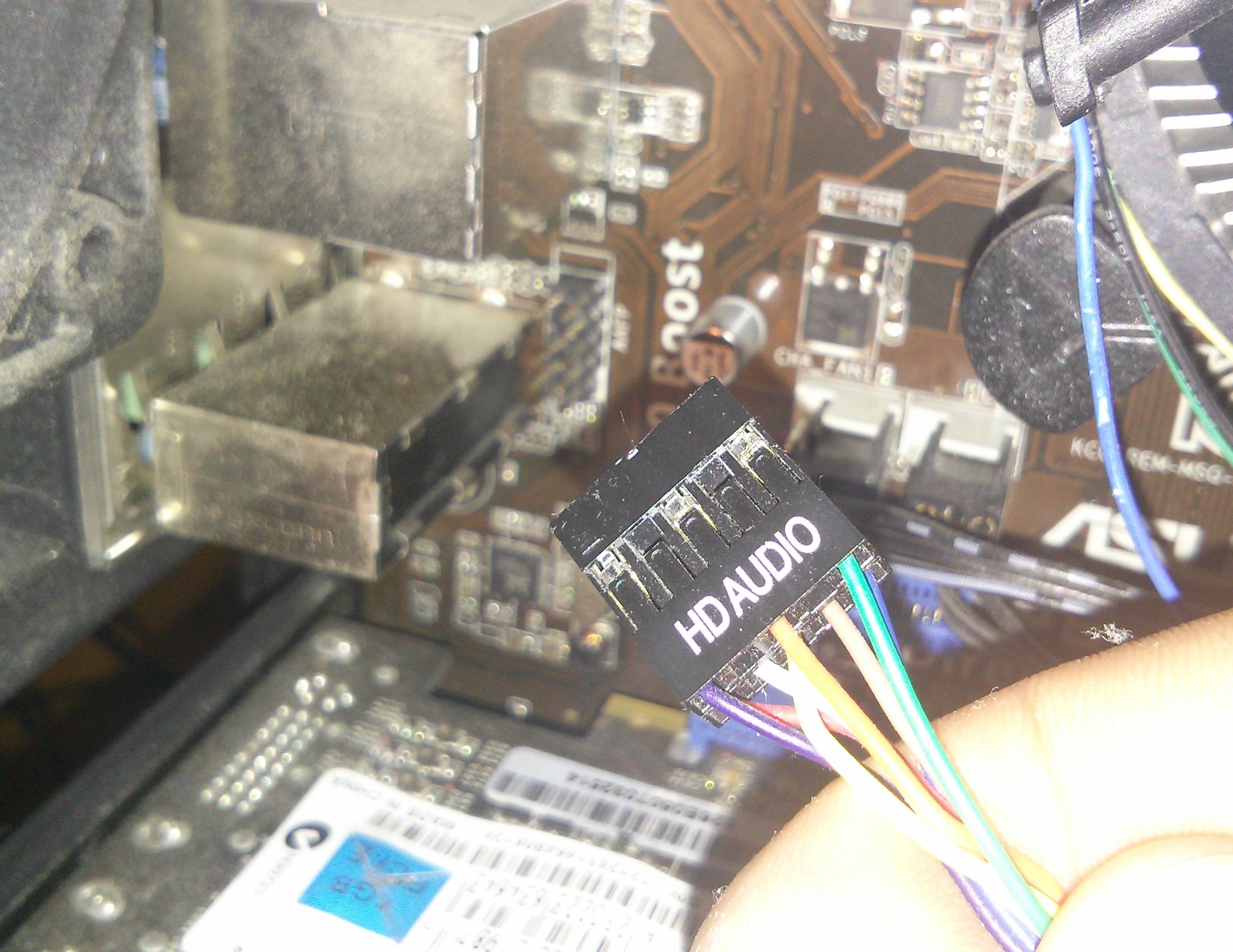
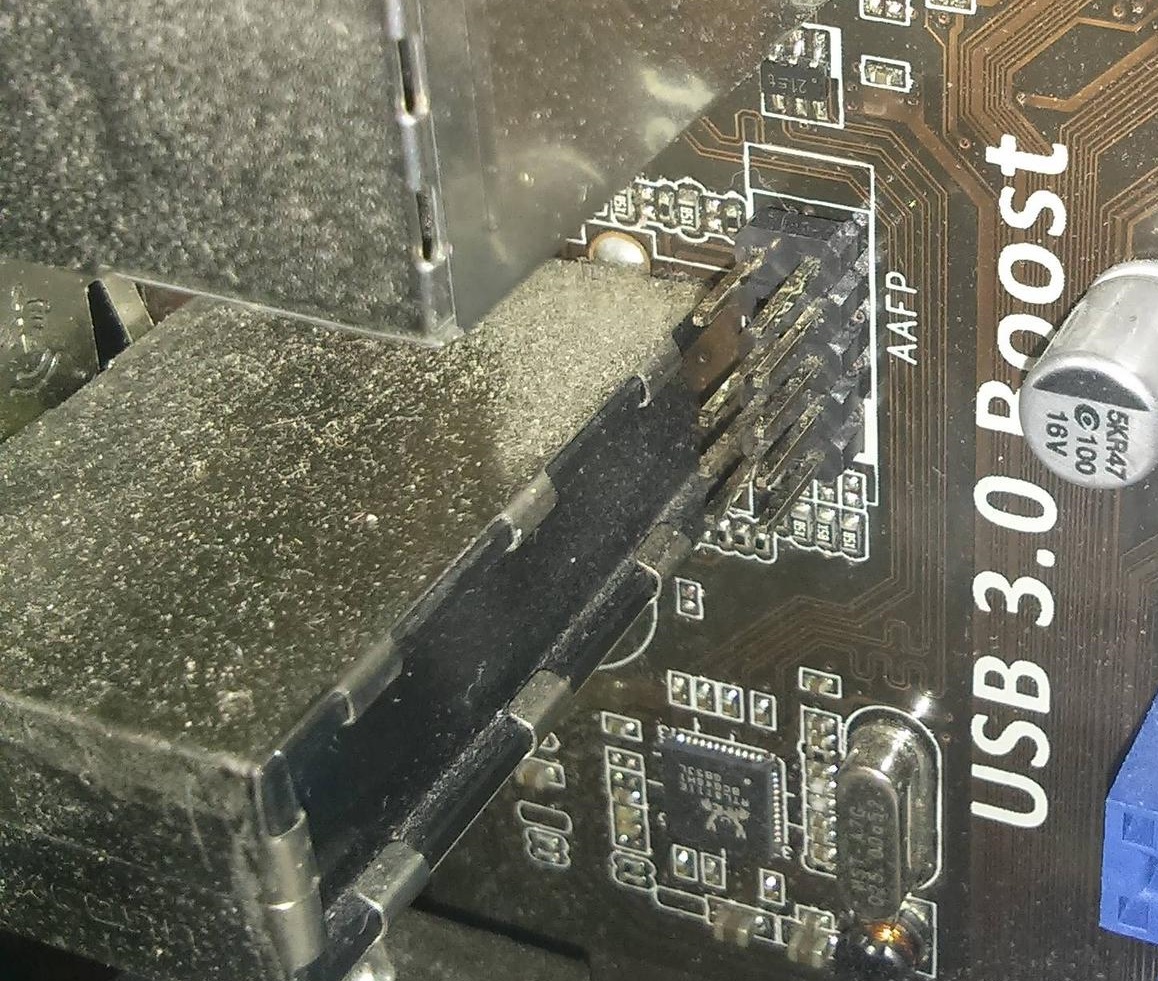
I have jacks on the front of the PC too, but they never worked. I think I broke it installing it. When I put cables in it, they show something was inserted, but just pick up white noise.
tl;dr :
Any help would be really appreciated, thanks!
I have a headset with microphone and I use 3.5 mm cables in the rear jacks of my PC. Audio OUT is working fine, but audio IN is not working anymore (the pink slot). I tried the microphone in my cellphone and the sound works. When I plug in my microphone cable, the PC detects it, but no sound is recorded. I tried uninstalling all the sound drivers and rebooting to no avail. It was working before.
I have jacks on the front of the PC too, but they never worked. I think I broke it installing it. When I put cables in it, they show something was inserted, but just pick up white noise.
tl;dr :
- Microphone and cable are working
- Cable is detected when put into mic input
- No sound is detected
- Drivers uninstalled and reinstalled
- It was working a few days ago
Any help would be really appreciated, thanks!
My Computer
- Computer type
- PC/Desktop
- Computer Manufacturer/Model Number
- Custom build
- OS
- Windows 7 Professional x64
- CPU
- Intel Core i3-2100 CPU @ 3.10Ghz
- Memory
- 8,00 GB
- Graphics Card(s)
- NVIDIA GeForce GTX 560 SE