brato92,
The
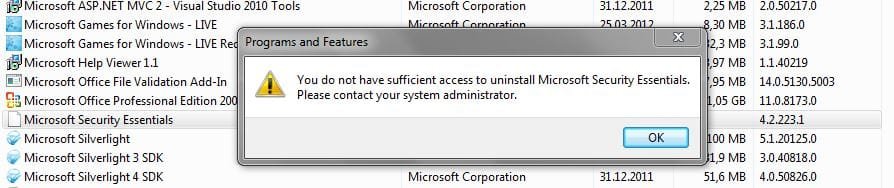
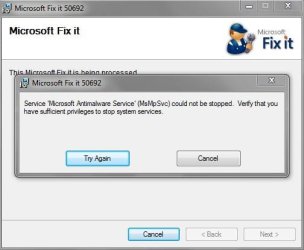
ZeroAccess malware made significant damage to
Microsoft Security Essentials.
Let's make an attempt to remove MSE, but, be aware that this process may not be successful.
In the event we cannot remove and install
MSE anew, there are other free AntiVirus programs available that you can use, such as
avast! Free, and
Avira.
Now, let's scan the system with a special tool...
:info: Please download
Junction
Save to the Desktop.
Unzip the program and place
junction.exe in the
Windows directory (
C:\Windows\junction.exe).
Do not run it!
:info: Next, please run Notepad (Start > All Programs > Accessories > Notepad)
Copy/paste the text inside the code box into Notepad:
Code:
@ECHO OFF
dir /a/b c:\windows\junction.exe >c:\log.txt 2>&1
junction -s c:\>>c:\log.txt
echo.End of Scan >>c:\log.txt
notepad c:\log.txt
Go to the
File menu at the top of the Notepad
Select: Save As...
In the prompt that appears, save in: Desktop
File name:
look.bat
Save as type: All files
Click: Save
Close Notepad.
Locate
look.bat on the Desktop.
Right-click and select:
Run as Administrator
Wait until Notepad opens with a report.
Please provide the content of
log.txt in your reply.
:warn: Note: There is information that we need to obtain before making any attempt to uninstall MSE!!
If there are reparse points on its files, there is no point in trying to uninstall!!