Hi
I found (warning)
The driver \Driver\monitor failed to load for the device DISPLAY\SAM0598\4&31e526d0&0&UID256.
Please guide me how to fix this.
I found (warning)
The driver \Driver\monitor failed to load for the device DISPLAY\SAM0598\4&31e526d0&0&UID256.
Please guide me how to fix this.
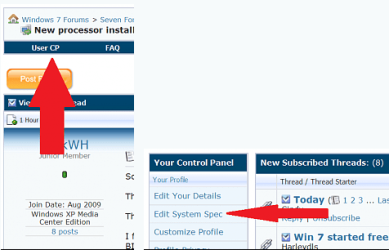
My Computer
At a glance
Windows 7 Ultimate 32bitAMD Phenom X42GBInternal only
- OS
- Windows 7 Ultimate 32bit
- CPU
- AMD Phenom X4
- Motherboard
- ASUS M2n PLUS
- Memory
- 2GB
- Graphics Card(s)
- Internal only
- Monitor(s) Displays
- Sync Master 933
- Screen Resolution
- 1360 * 768
- Hard Drives
- Sata 500gb