ThrashZone,
Please help me to understand what you are saying:
>
Careful with cutting files,
>
If you accidentally copy something before you paste the first cut, it's gone.
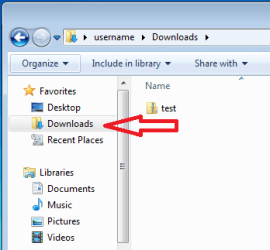
Clipboard operation #1 = cut the test.zip file from
Downloads folder
Clipboard operation #2 = "
accidentally copy something"
The only thing that
is gone is the info in the clipboard from #1.
The "cut" is cancelled and the test.zip file stays in the
Downloads folder.
>
Copy and paste is the most reliable
Clipboard operation #1 = "
copy" the test.zip file from
Downloads folder
Clipboard operation #2 = "
accidentally copy something"
The only thing that
is gone is the info in the clipboard from #1.
The first "
copy" is cancelled and the test.zip file stays in the
Downloads folder.
It seems to me that the exact same thing is "
gone" in the cut/paste scenario and the copy/paste scenario.
>
After confirming the files are there
>
Delete the other location,
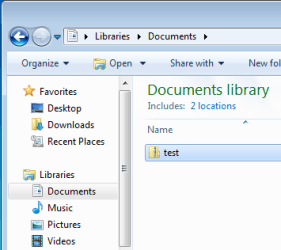
Windows does this conformation during a cut/paste operation. The original file is not deleted if the cut/paste operation fails. Also, in the specific example of moving the test.zip file from
Downloads to
Documents, the file itself is probably not going to be moved. Just the file's
metadata is changed in the Master File Table. It took 12 minutes for me to copy/paste a VDI file. It took less than a second to cut/paste that same file.