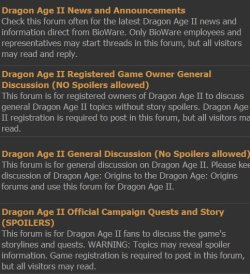
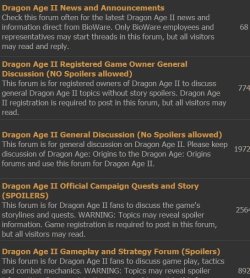
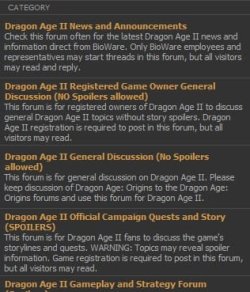
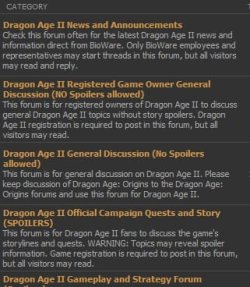
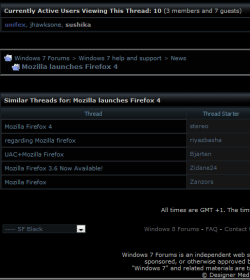
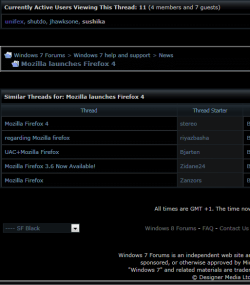
what i did was go to the page then took a screen cap and saved the first picture. then turn H/A off closed ff4, reopen and go back to do the same with H/A off.
might be Paint since its all i have. PrintScreen, Crop ect
not sure if this is any help as its talking about the beta.but.
Also note, Microsoft has released a new update, KB2454826. In this update, according to the KB article, D2d1.dll, Fntcache.dll, Dwrite.dll, D3d10_1.dll and D3d10_1core.dll is updated to version which solves font related graphics issues in rendering. Windows 7 users might want to test this update for better font performance.
# Fix Firefox 4 Font Problem in Smoothing, Blurry Rendering in FF 4 Beta