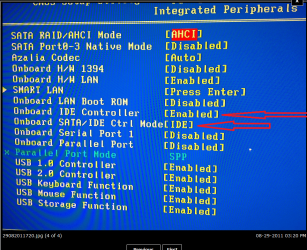
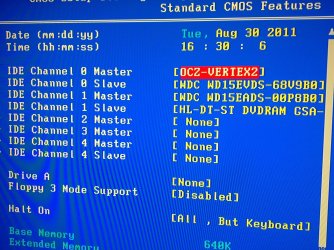
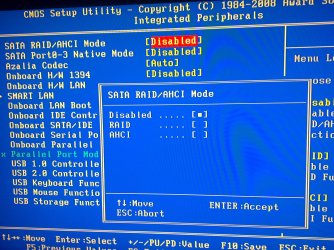
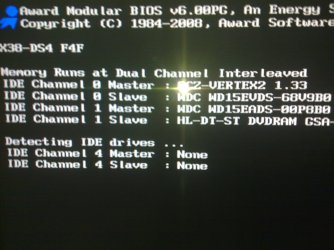
I ran my SSD in IDE mode for nearly 1 year as my BIOS introduced an 8 second delay at each boot that I didn't want to deal with. All of the automatic OS settings like disabling defrag and TRIM worked just fine on the drive in this configuration.
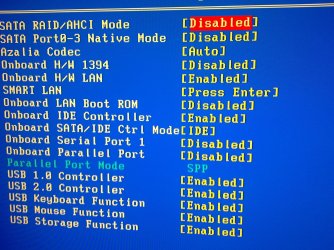
After running like this for some time, there was a BIOS update for my mobo which reduced the 8 second delay to 2 seconds. I installed the new BIOS, backed up my data and reinstalled Windows after switching to AHCI mode.
Honestly, i cannot tell, nor can I prove with a stopwatch that ANYTHING is noticeably faster in AHCI mode. A benchmark shows that it's faster in random 4K reads/writes (If I recall correctly), that was not measurable from a day to day perspective.
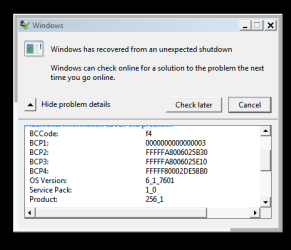
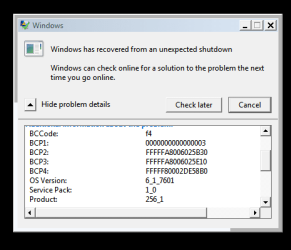
So, honestly, if your box blue screens in AHCI mode but runs fine in IDE mode....perhaps it's best to just run IDE mode. Go by how the drive actually performs, not by looking at screenshots of benchmarks that you cannot read and understand. If you installed in IDE mode and it boots fast, and launches applications instantly, and loads games faster than ever before....it's working.