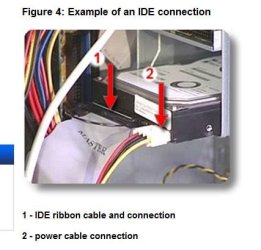
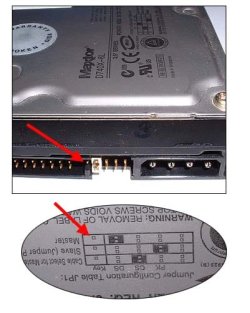
I am trying to use my old HD as storage. Its was an IDE type. I bought a IDE controller card, cause my MOBO does not have any IDE connection. At first I had set it up with my IDE DVD Burner, and all went well. Now I added the HD as a slave ( no jumper ) and bios does not see it...but the DVD is still working. The HD is connected to the grey connector which is usually used as a slave. Aside from the grey connector, I have another IDE cable, where all 3 connectors are black. How does one know which of those to use as a slave? just pick the middle One? But the gist of this post is to get the bios to recognize my ide HD.
My Computer
- Computer type
- PC/Desktop
- Computer Manufacturer/Model Number
- Build OEM Desktop
- OS
- Win 7 x64.Win 10
- CPU
- AMD A10 7850K
- Motherboard
- Asus A88X-Pro
- Memory
- 8 gb
- Graphics Card(s)
- Nil
- Sound Card
- Nil
- Monitor(s) Displays
- Insignia
- Screen Resolution
- 1376 x
- Hard Drives
- 500 gb
- Case
- ABS
- Keyboard
- Sony
- Mouse
- OEM
- Antivirus
- Windows defender, Windows essential, Malware, autospyware
- Browser
- Firefox,Vivaldi