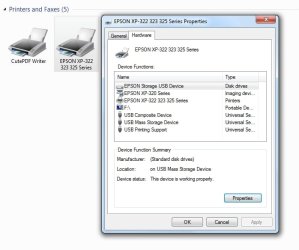
Today was the first time I tried to use my Samsung laser printer since i had upgraded the win 10 latest version. Not the Oct. one. I have dual system win 10 and 7. I usually use win 7 for most stuff. When I turned on my printer, I noticed that i did not hear the windows tone usually one hears when starting a printer. …and yet my printer came on and lit up and did its usual step by hearing its ready. When i click Print, nothing happens. I changed usb port, no change. Device manager doesn’t even show the printer…so i can’t remove the driver and hope windows would install it after a reboot. Samsung is now handled by HP. I went there for support and do see my printer, but alas, got a message that support is down and to try later. I then tried win 10 and its the same story there…although, device manger there does show a printer quege…i believe its called. …but no driver is seen to remove there either. I assuming that the recent upgrade to 1809 win 10 screwed up. When i click on the taskbar hidden icons on win 7, i do see the Samsung easy printer manager…listed.
My Computer
At a glance
Win 7 x64.Win 10AMD A10 7850K8 gbNil
- Computer type
- PC/Desktop
- Computer Manufacturer/Model Number
- Build OEM Desktop
- OS
- Win 7 x64.Win 10
- CPU
- AMD A10 7850K
- Motherboard
- Asus A88X-Pro
- Memory
- 8 gb
- Graphics Card(s)
- Nil
- Sound Card
- Nil
- Monitor(s) Displays
- Insignia
- Screen Resolution
- 1376 x
- Hard Drives
- 500 gb
- Case
- ABS
- Keyboard
- Sony
- Mouse
- OEM
- Antivirus
- Windows defender, Windows essential, Malware, autospyware
- Browser
- Firefox,Vivaldi