Terrence M
New member
- Local time
- 10:16 PM
- Messages
- 3
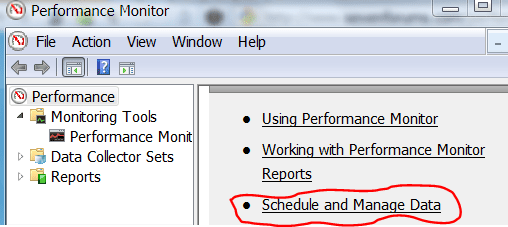
In Windows 7, PerfMon settings can't be changed. All the buttons, dropdowns are disabled (greyed out). Tried "taking ownership" of PerfMon app, changing permissions, but still shows READ_CONTROL and SYNCHRONIZE as enabled. Tried many different approaches but with no success. Any ideas? Need to change PerfMon duration for a QA testing project. Thanks.
My Computer
At a glance
Windows 7 Home Premium 32bit
- OS
- Windows 7 Home Premium 32bit
 rb: | Perfmon.exe | ENTER