GrimmReaper
New member
Hi guys. I am usually pretty good with these things as I have been networking for years and I am currently studying a Bachelor of Information Technology, but this one has be baffled.
As you can see in the image below, the network map shows my PC---Switch---Router/modem---Internet. The problem is that the switch has only appeared recently and I have not installed any switches, nor do I have a need for one as my PC is the only device wired to the router, all others are WiFi. I have looked everywhere for a solution to this both on my computer and on the internet and have come up blank :shock:
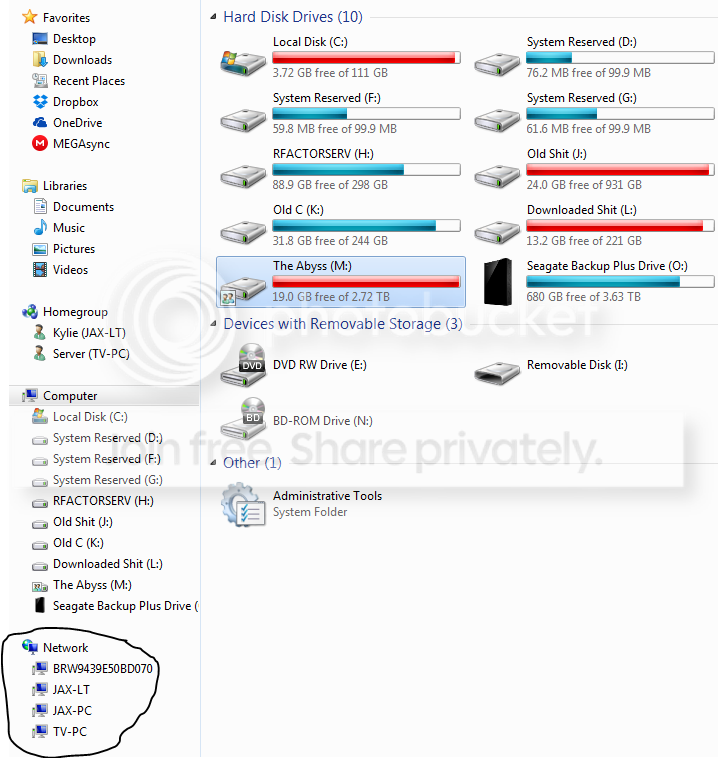
The other problem is that I had my 2 PCs (Main in office and one connected to TV in lounge room) and laptop all set up so they could each access the other device's shared file through the Home Group, however now I can not see or access the other 2 from my main PC, but I can see and access the Main PC from the other 2 (TV system and laptop). While all this is happening, if you look at the bottom of the image, you will see that the TV system is in the 'The following discovered devices cannot be placed in the map' section...... This has me totally confuzzled :huh:
Any help here is appreciated guys, thanks !!

As you can see in the image below, the network map shows my PC---Switch---Router/modem---Internet. The problem is that the switch has only appeared recently and I have not installed any switches, nor do I have a need for one as my PC is the only device wired to the router, all others are WiFi. I have looked everywhere for a solution to this both on my computer and on the internet and have come up blank :shock:
The other problem is that I had my 2 PCs (Main in office and one connected to TV in lounge room) and laptop all set up so they could each access the other device's shared file through the Home Group, however now I can not see or access the other 2 from my main PC, but I can see and access the Main PC from the other 2 (TV system and laptop). While all this is happening, if you look at the bottom of the image, you will see that the TV system is in the 'The following discovered devices cannot be placed in the map' section...... This has me totally confuzzled :huh:
Any help here is appreciated guys, thanks !!
My Computer
- Computer type
- PC/Desktop
- Computer Manufacturer/Model Number
- Custom Build
- OS
- Windows 7 Ultimate x64
- CPU
- AMD PhenomII X6 1075T 3.00GHz
- Motherboard
- ASUSTek M4A87TD/USB3
- Memory
- 12GB Corsair
- Graphics Card(s)
- GTX460
- Hard Drives
- Main: 128GB Kingston SSD
2: 320GB HDD
3: 500GB HDD
4: 1TB HDD
5: 3TB External WD Mybook
6: 4TB Seagate Backup+
- PSU
- Corsair 750W
- Keyboard
- Logitech MK710
- Mouse
- Logitech M705
- Internet Speed
- 12Mbps Down-0.81Mbps Up Typical Aussie slow internet......
- Antivirus
- AVG
- Browser
- Mozilla Firefox